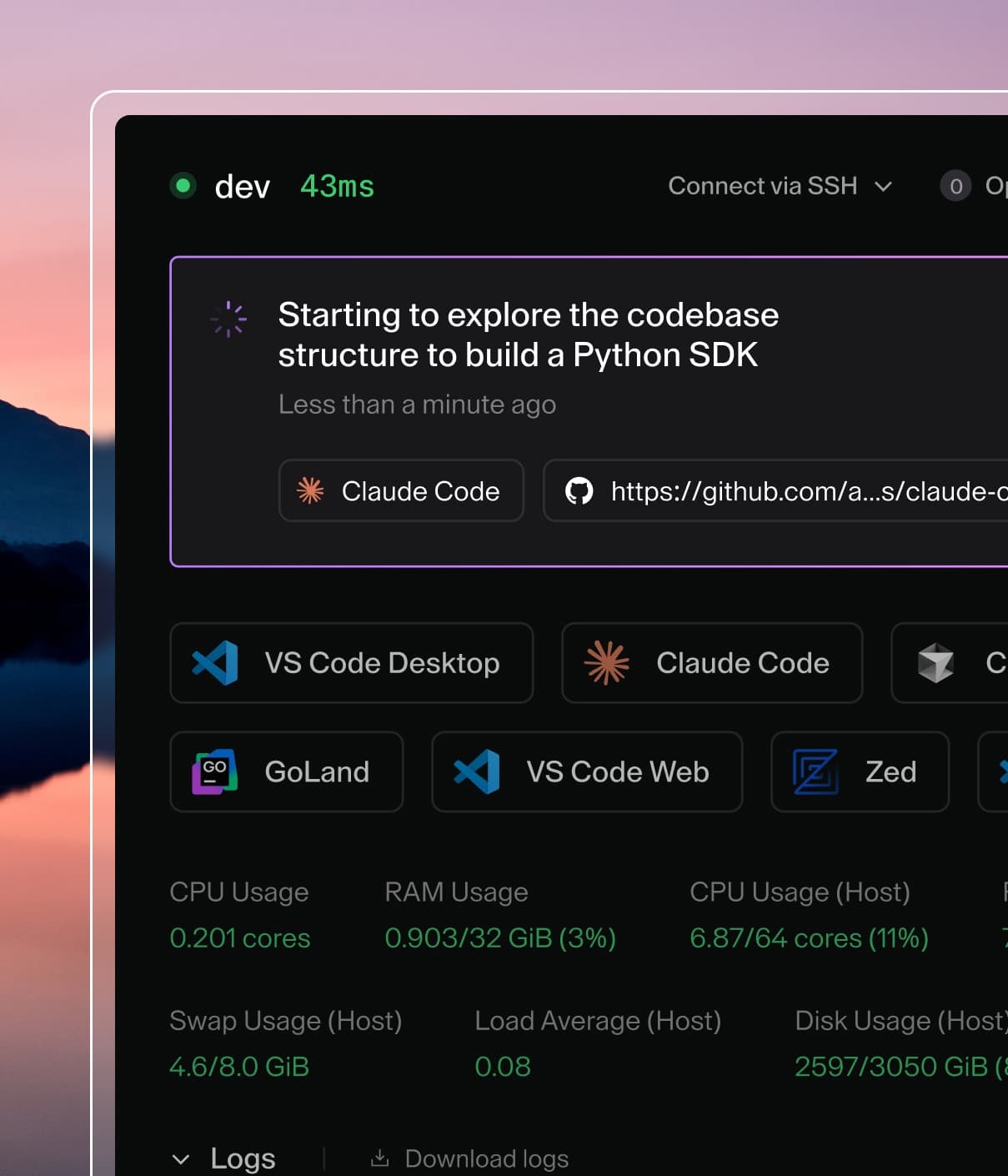
Coder powers secure, scalable development across key industries — automotive, finance, government, and technology — enabling faster builds, tighter compliance, and seamless AI adoption in enterprise-grade cloud environments.
AI Gateway is part of AI Governance, which is
included with a Premium license.
Zed IDE supports AI Gateway via its language_models configuration in settings.json.
Centralized API Key
To configure Zed to use AI Gateway, you need to edit your settings.json file. You can access this by pressing Cmd/Ctrl + , or opening the command palette and searching for "Open Settings".
You can configure both Anthropic and OpenAI providers to point to AI Gateway.
{
  "language_models": {
    "anthropic": {
      "api_url": "https://coder.example.com/api/v2/ai-gateway/anthropic",
    },
    "openai": {
      "api_url": "https://coder.example.com/api/v2/ai-gateway/openai/v1",
    },
  },
  // optional settings to set favorite models for the AI
  "agent": {
    "favorite_models": [
      {
        "provider": "anthropic",
        "model": "claude-sonnet-4-5-thinking-latest"
      },
      {
        "provider": "openai",
        "model": "gpt-5.2-codex"
      }
    ],
  },
}
Replace coder.example.com with your Coder deployment URL.
Note
These settings and environment variables need to be configured from client side. Zed currently does not support reading these settings from remote configuration. See this feature request for more details.
Authentication
Zed requires an API key for these providers. For AI Gateway, this key is your Coder API token.