Coder powers secure, scalable development across key industries — automotive, finance, government, and technology — enabling faster builds, tighter compliance, and seamless AI adoption in enterprise-grade cloud environments.
There are a variety of Coder-native features to extend the configuration of your
development environments. Many of the following features are defined in your
templates using the
Coder Terraform provider.
The provider docs will provide code examples for usage; alternatively, you can
view our
example templates
to get started.
Workspace agents
For users to connect to a workspace, the template must include a
coder_agent.
The associated agent will facilitate
workspace connections via SSH,
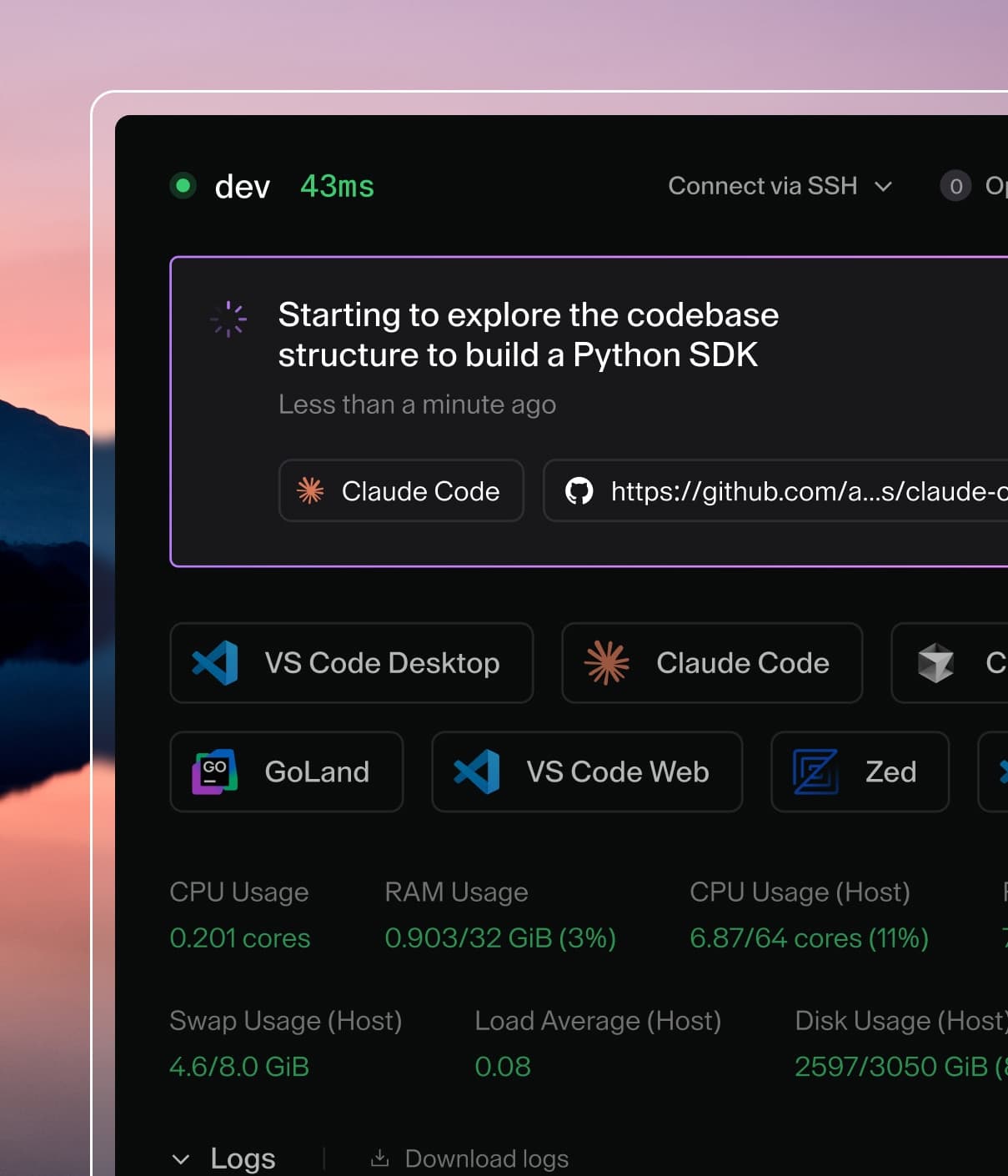
port forwarding, and IDEs. The agent may also display real-time
workspace metadata like resource usage.
resource "coder_agent" "dev" {
  os   = "linux"
  arch = "amd64"
  dir  = "/workspace"
  display_apps {
    vscode = true
  }
}
You can also leverage resource metadata to display
static resource information from your template.
Templates must include some computational resource to start the agent. All
processes on the workspace are then spawned from the agent. It also provides all
information displayed in the dashboard's workspace view.
Multiple agents may be used in a single template or even a single resource. Each
agent may have its own apps, startup script, and metadata. This can be used to
associate multiple containers or VMs with a workspace.
Resource persistence
The resources you define in a template may be ephemeral or persistent.
Persistent resources stay provisioned when workspaces are stopped, where as
ephemeral resources are destroyed and recreated on restart. All resources are
destroyed when a workspace is deleted.
A common configuration is a template whose only persistent resource is the home
directory. This allows the developer to retain their work while ensuring the
rest of their environment is consistently up-to-date on each workspace restart.
When a workspace is deleted, the control plane essentially runs a
terraform destroy to remove all
resources associated with the workspace.
Additional IDEs, documentation, or services can be associated to your workspace
using the
coder_app
resource.
Note that some apps are associated to the agent by default as
display_apps
and can be hidden directly in the
coder_agent
resource. You can arrange the display orientation of Coder apps in your template
using resource ordering.
Check out our module registry for
additional Coder apps from the team and our OSS community.
Environment variables
Use the
coder_env
resource to inject environment variables into workspace agents. Multiple
resources can target the same variable using
merge strategies like append and prepend,
which is useful for building up PATH-style variables across modules.
The
coder_script
resource runs scripts during workspace lifecycle events like startup, stop, or
on a scheduled basis. It provides more control than the deprecated
startup_script field in coder_agent.