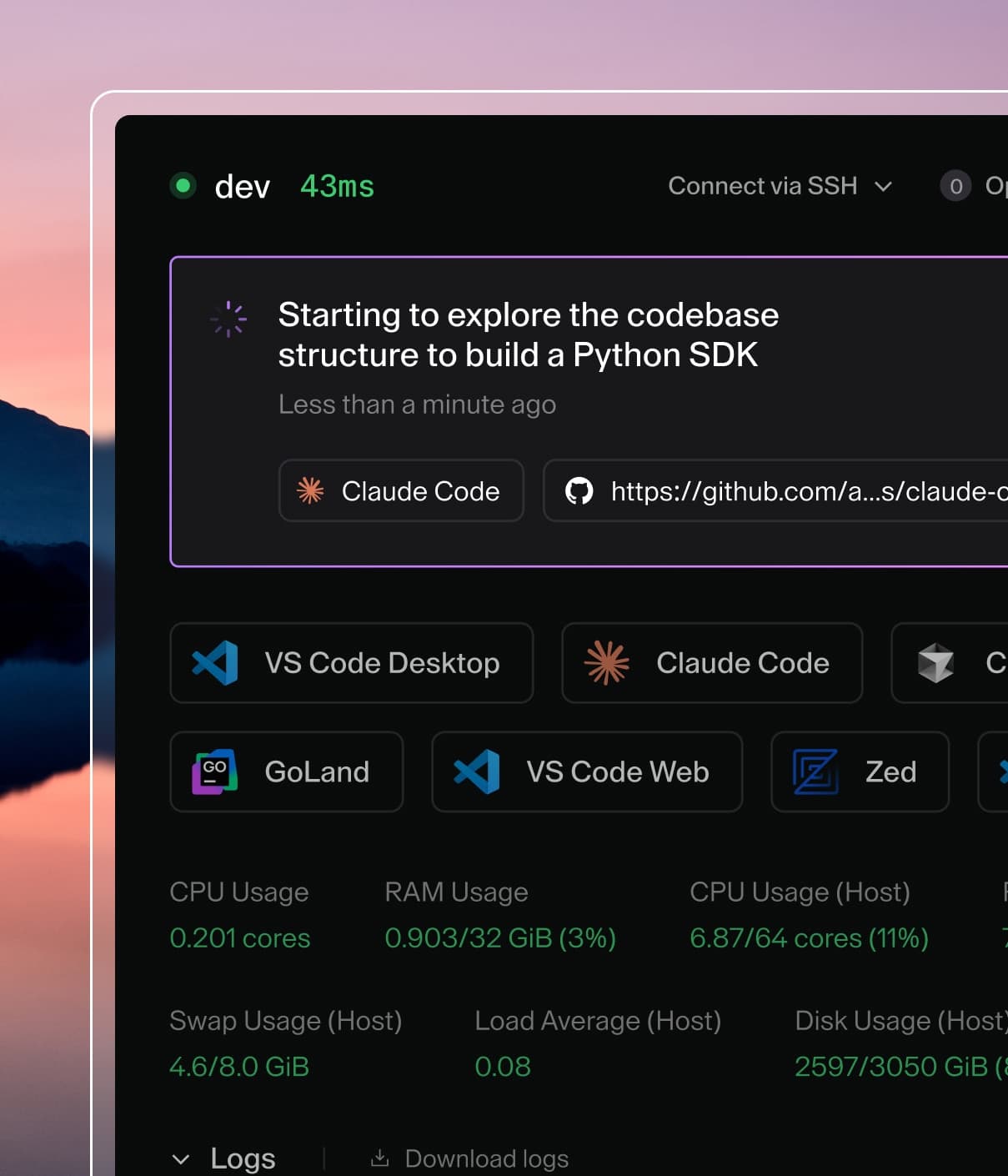
Coder powers secure, scalable development across key industries — automotive, finance, government, and technology — enabling faster builds, tighter compliance, and seamless AI adoption in enterprise-grade cloud environments.
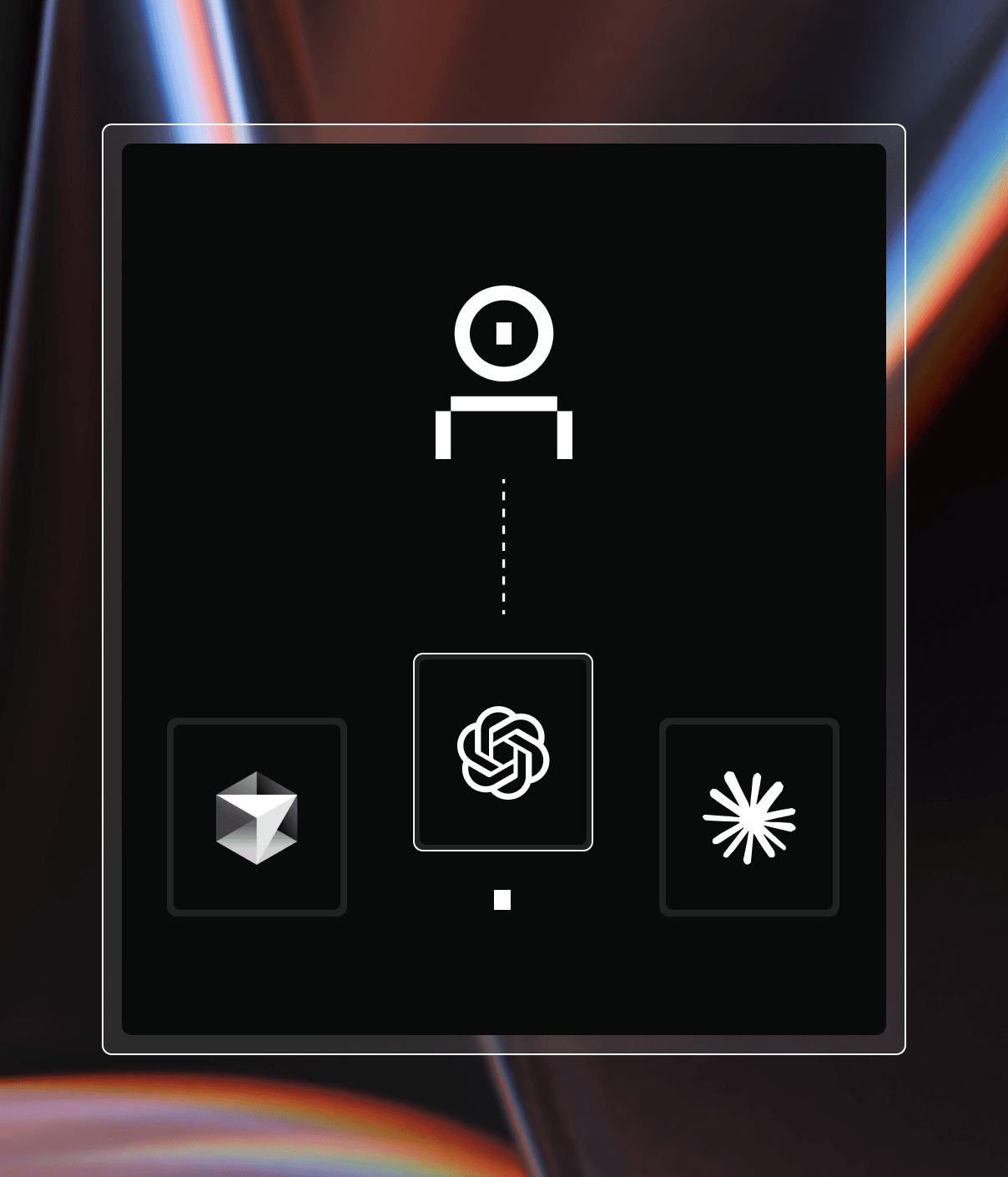
Coder's network topology has three types of nodes:
workspaces, coder servers, and users.
The coder server must have an inbound address reachable by users and workspaces,
but otherwise, all topologies just work with Coder.
When possible, we establish direct connections between users and workspaces.
Direct connections are as fast as connecting to the workspace outside of Coder.
When NAT traversal fails, connections are relayed through the coder server.
All user <-> workspace connections are end-to-end encrypted.
Workspaces connect to the coder server via the server's external address,
set via ACCESS_URL. There must not be a
NAT between workspaces and coder server.
Users connect to the coder server's dashboard and API through its ACCESS_URL
as well. There must not be a NAT between users and the coder server.
Web Apps
The coder servers relays dashboard-initiated connections between the user and
the workspace. Web terminal <-> workspace connections are an exception and may be direct.
In general, port forwarded web apps are
faster than dashboard-accessed web apps.
🌎 Geo-distribution
Direct connections
Direct connections are a straight line between the user and workspace, so there
is no special geo-distribution configuration. To speed up direct connections,
move the user and workspace closer together.
You can launch coder server with Tailscale's DERPs like so:
$ coder server --derp-config-url https://controlplane.tailscale.com/derpmap/default
Custom Relays
If you run Coder in air-gap mode or want lower latency than what Tailscale offers,
you may run custom DERP servers. Refer to
Tailscale's documentation
to learn how to set them up.
After you have custom DERP servers, you can launch Coder with them like so:
The dashboard (and web apps opened through the dashboard) are served from the
coder server, so they can only be geo-distributed with High Availability mode in
our Enterprise Edition. Reach out to Sales to learn
more.
Some Coder deployments require that all access is through the browser to comply
with security policies. In these cases, pass the --browser-only flag to
coder server or set CODER_BROWSER_ONLY=true.
Troubleshooting
The coder speedtest <workspace> command measures user <-> workspace throughput.
E.g.: