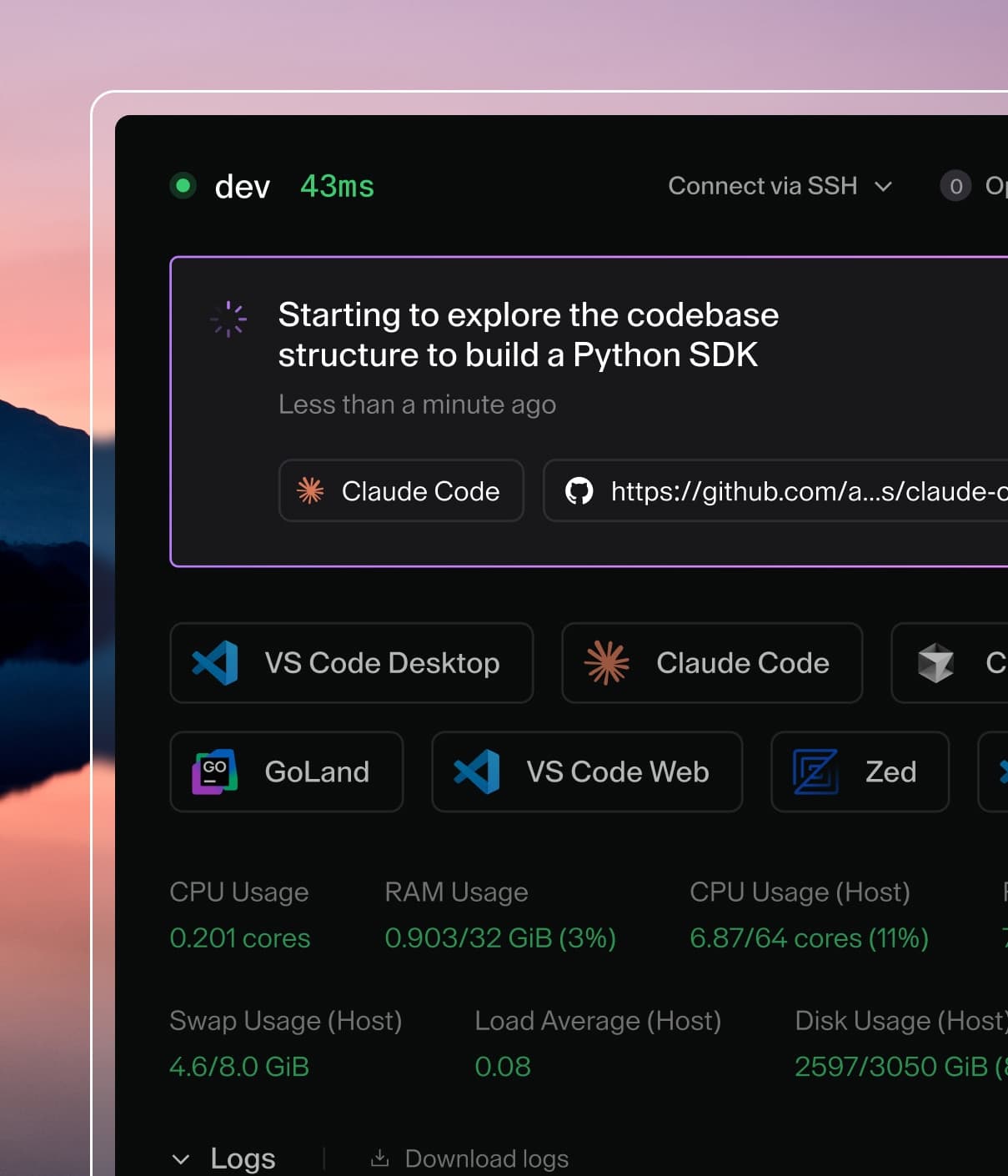
Coder powers secure, scalable development across key industries — automotive, finance, government, and technology — enabling faster builds, tighter compliance, and seamless AI adoption in enterprise-grade cloud environments.
All of these examples use
heredoc strings
for the script declaration. With heredoc strings, you can script without messy
escape codes, just as if you were working in your terminal.
Some of the examples use the coder stat
command. This is useful for determining CPU and memory usage of the VM or
container that the workspace is running in, which is more accurate than resource
usage about the workspace's host.
Here's a standard set of metadata snippets for Linux agents:
vmstat is
available in most Linux distributions and provides virtual memory, CPU and IO
statistics. Running vmstat produces output that looks like:
procs -----------memory---------- ---swap-- -----io---- -system-- ------cpu-----
r  b   swpd   free   buff  cache   si   so    bi    bo   in   cs us sy id wa st
0  0  19580 4781680 12133692 217646944    0    2     4    32    1    0  1  1 98  0  0
dstat is
considerably more parseable than vmstat but often not included in base images.
It is easily installed by most package managers under the name dstat. The
output of running dstat 1 1 looks like:
Agent metadata can generate a significant write load and overwhelm your Coder
database if you're not careful. The approximate writes per second can be
calculated using the formula: