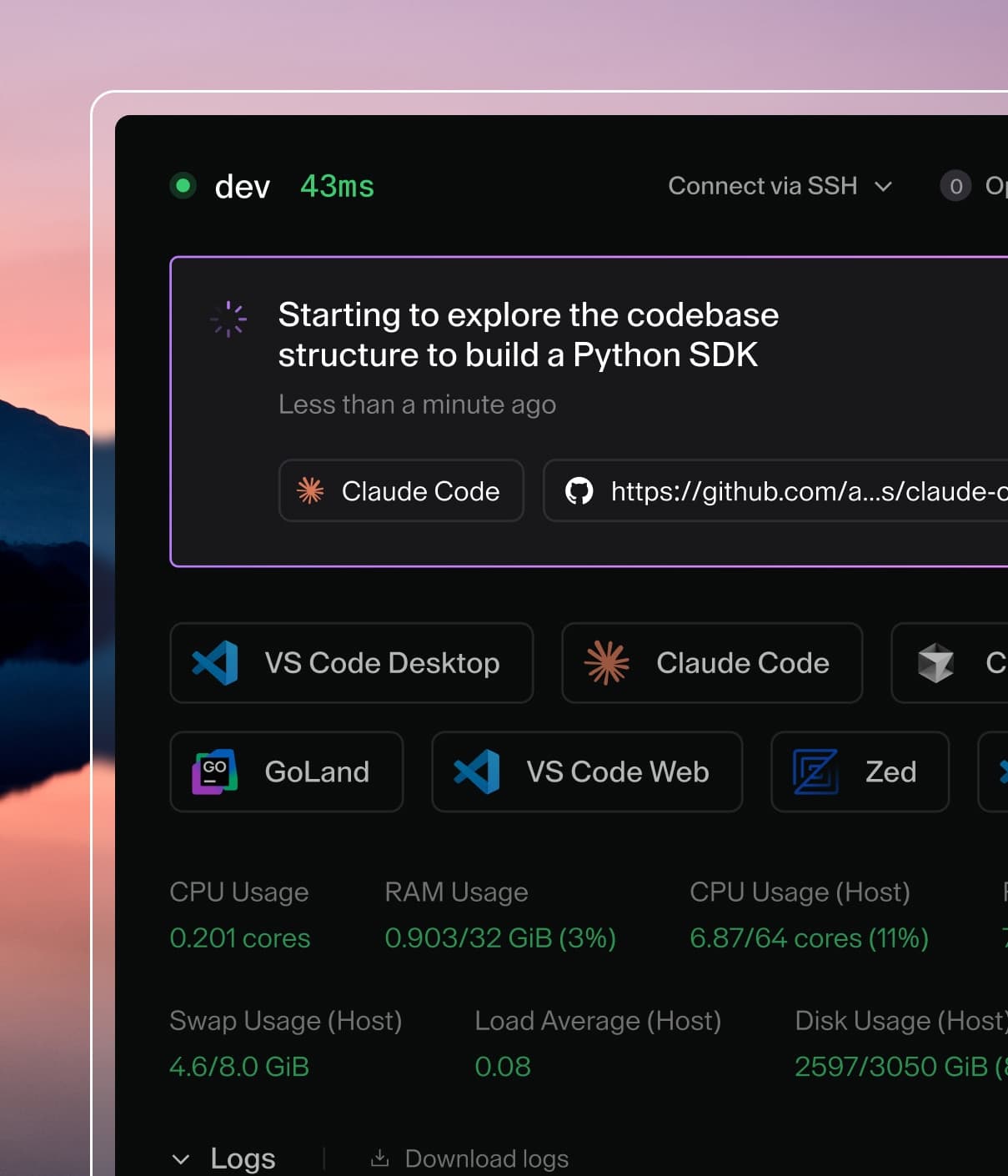
Coder powers secure, scalable development across key industries — automotive, finance, government, and technology — enabling faster builds, tighter compliance, and seamless AI adoption in enterprise-grade cloud environments.
To reuse code across different Coder templates, such as common scripts or
resource definitions, we suggest using
Terraform Modules.
You can store these modules externally from your Coder deployment, like in a git
repository or a Terraform registry. This example shows how to reference a module
from your template:
data "coder_workspace" "me" {}

module "coder-base" {
  source = "github.com/my-organization/coder-base"

  # Modules take in variables and can provision infrastructure
  vpc_name            = "devex-3"
  subnet_tags         = { "name": data.coder_workspace.me.name }
  code_server_version = 4.14.1
}

resource "coder_agent" "dev" {
  # Modules can provide outputs, such as helper scripts
  startup_script=<<EOF
  #!/bin/sh
  ${module.coder-base.code_server_install_command}
  EOF
}
We have an example template
here
that uses our
JFrog Docker
template as the underlying module.
Private git repository
If you are importing a module from a private git repository, the Coder server or
provisioner needs git credentials. Since this token
will only be used for cloning your repositories with modules, it is best to
create a token with access limited to the repository and no extra permissions.
In GitHub, you can generate a
fine-grained token
with read only access to the necessary repos.
If you are running Coder on a VM, make sure that you have git installed and
the coder user has access to the following files:
# /home/coder/.gitconfig
[credential]
  helper = store
If you are running Coder on Docker or Kubernetes, git is pre-installed in the
Coder image. However, you still need to mount credentials. This can be done via
a Docker volume mount or Kubernetes secrets.
Passing git credentials in Kubernetes
First, create a .gitconfig and .git-credentials file on your local machine.
You might want to do this in a temporary directory to avoid conflicting with
your own git credentials.
Next, create the secret in Kubernetes. Be sure to do this in the same namespace
that Coder is installed in.