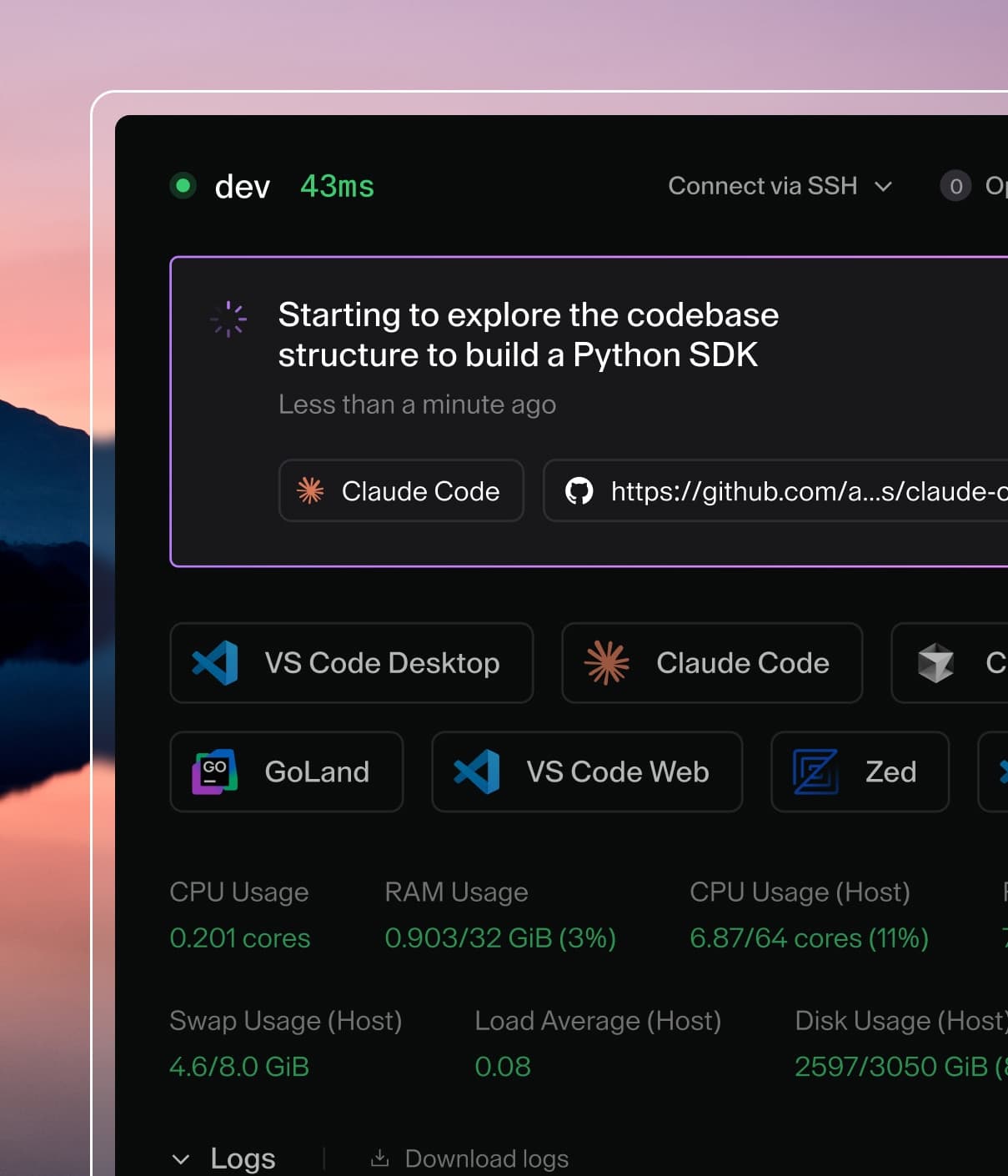
Coder powers secure, scalable development across key industries — automotive, finance, government, and technology — enabling faster builds, tighter compliance, and seamless AI adoption in enterprise-grade cloud environments.
All Coder features are supported in offline / behind firewalls / in air-gapped
environments. However, some changes to your configuration are necessary.
This is a general comparison. Keep reading for a full tutorial running Coder
offline with Kubernetes or Docker.
These could also be specified via a volume mount (Docker) or
network mirror.
See below for details.
Note: Coder includes the latest
supported version
of Terraform in the official Docker images. If you need to bundle a different
version of terraform, you can do so by customizing the image.
Here's an example Dockerfile:
FROM ghcr.io/coder/coder:latest

USER root

RUN apk add curl unzip

# Create directory for the Terraform CLI (and assets)
RUN mkdir -p /opt/terraform

# Terraform is already included in the official Coder image.
# See https://github.com/coder/coder/blob/main/scripts/Dockerfile.base#L15
# If you need to install a different version of Terraform, you can do so here.
# The below step is optional if you wish to keep the existing version.
# See https://github.com/coder/coder/blob/main/provisioner/terraform/install.go#L23-L24
# for supported Terraform versions.
ARG TERRAFORM_VERSION=1.10.5
RUN apk update && \
    apk del terraform && \
    curl -LOs https://releases.hashicorp.com/terraform/${TERRAFORM_VERSION}/terraform_${TERRAFORM_VERSION}_linux_amd64.zip \
    && unzip -o terraform_${TERRAFORM_VERSION}_linux_amd64.zip \
    && mv terraform /opt/terraform \
    && rm terraform_${TERRAFORM_VERSION}_linux_amd64.zip
ENV PATH=/opt/terraform:${PATH}

# Additionally, a Terraform mirror needs to be configured
# to download the Terraform providers used in Coder templates.
# There are two options:

# Option 1) Use a filesystem mirror.
#  We can seed this at build-time or by mounting a volume to
#  /opt/terraform/plugins in the container.
#  https://developer.hashicorp.com/terraform/cli/config/config-file#filesystem_mirror
#  Be sure to add all the providers you use in your templates to /opt/terraform/plugins

RUN mkdir -p /home/coder/.terraform.d/plugins/registry.terraform.io
ADD filesystem-mirror-example.tfrc /home/coder/.terraformrc

# Optionally, we can "seed" the filesystem mirror with common providers.
# Comment out lines 40-49 if you plan on only using a volume or network mirror:
WORKDIR /home/coder/.terraform.d/plugins/registry.terraform.io
ARG CODER_PROVIDER_VERSION=1.0.1
RUN echo "Adding coder/coder v${CODER_PROVIDER_VERSION}" \
    && mkdir -p coder/coder && cd coder/coder \
    && curl -LOs https://github.com/coder/terraform-provider-coder/releases/download/v${CODER_PROVIDER_VERSION}/terraform-provider-coder_${CODER_PROVIDER_VERSION}_linux_amd64.zip
ARG DOCKER_PROVIDER_VERSION=3.0.2
RUN echo "Adding kreuzwerker/docker v${DOCKER_PROVIDER_VERSION}" \
    && mkdir -p kreuzwerker/docker && cd kreuzwerker/docker \
    && curl -LOs https://github.com/kreuzwerker/terraform-provider-docker/releases/download/v${DOCKER_PROVIDER_VERSION}/terraform-provider-docker_${DOCKER_PROVIDER_VERSION}_linux_amd64.zip
ARG KUBERNETES_PROVIDER_VERSION=2.23.0
RUN echo "Adding kubernetes/kubernetes v${KUBERNETES_PROVIDER_VERSION}" \
    && mkdir -p hashicorp/kubernetes && cd hashicorp/kubernetes \
    && curl -LOs https://releases.hashicorp.com/terraform-provider-kubernetes/${KUBERNETES_PROVIDER_VERSION}/terraform-provider-kubernetes_${KUBERNETES_PROVIDER_VERSION}_linux_amd64.zip
ARG AWS_PROVIDER_VERSION=5.19.0
RUN echo "Adding aws/aws v${AWS_PROVIDER_VERSION}" \
    && mkdir -p aws/aws && cd aws/aws \
    && curl -LOs https://releases.hashicorp.com/terraform-provider-aws/${AWS_PROVIDER_VERSION}/terraform-provider-aws_${AWS_PROVIDER_VERSION}_linux_amd64.zip

RUN chown -R coder:coder /home/coder/.terraform*
WORKDIR /home/coder

# Option 2) Use a network mirror.
#  https://developer.hashicorp.com/terraform/cli/config/config-file#network_mirror
#  Be sure uncomment line 60 and edit network-mirror-example.tfrc to
#  specify the HTTPS base URL of your mirror.

# ADD network-mirror-example.tfrc /home/coder/.terraformrc

USER coder

# Use the .terraformrc file to inform Terraform of the locally installed providers.
ENV TF_CLI_CONFIG_FILE=/home/coder/.terraformrc
If you are bundling Terraform providers into your Coder image, be sure the
provider version matches any templates or
example templates
you intend to use.
Follow our docker-compose
documentation and modify the docker-compose file to specify your custom Coder
image. Additionally, you can add a volume mount to add providers to the
filesystem mirror without re-building the image.
First, create an empty plugins directory:
mkdir $HOME/plugins
Next, add a volume mount to docker-compose.yaml:
vim docker-compose.yaml
# docker-compose.yaml
version: "3.9"
services:
  coder:
    image: registry.example.com/coder:latest
    volumes:
      - ./plugins:/opt/terraform/plugins
    # ...
  environment:
    CODER_TELEMETRY_ENABLE: "false" # Disable telemetry
    CODER_BLOCK_DIRECT: "true" # force SSH traffic through control plane's DERP proxy
    CODER_DERP_SERVER_STUN_ADDRESSES: "disable" # Only use relayed connections
    CODER_UPDATE_CHECK: "false" # Disable automatic update checks
  database:
    image: registry.example.com/postgres:13
    # ...
The
terraform providers mirror
command can be used to download the required plugins for a Coder template.
This can be uploaded into the plugins directory on your offline server.
Run offline via Kubernetes
We publish the Helm chart for download on
GitHub Releases. Follow our
Kubernetes documentation and modify the Helm values to
specify your custom Coder image.
# values.yaml
coder:
  image:
    repo: "registry.example.com/coder"
    tag: "latest"
  env:
    # Disable telemetry
    - name: "CODER_TELEMETRY_ENABLE"
      value: "false"
    # Disable automatic update checks
    - name: "CODER_UPDATE_CHECK"
      value: "false"
    # force SSH traffic through control plane's DERP proxy
    - name: CODER_BLOCK_DIRECT
      value: "true"
    # Only use relayed connections
    - name: "CODER_DERP_SERVER_STUN_ADDRESSES"
      value: "disable"
    # You must set up an external PostgreSQL database
    - name: "CODER_PG_CONNECTION_URL"
      value: ""
# ...
Offline docs
Coder also provides offline documentation in case you want to host it on your
own server. The docs are exported as static files that you can host on any web
server, as demonstrated in the example below:
Go to the release page. In this case, we want to use the
latest version.
Download the documentation files from the "Assets" section. It is named as
coder_docs_<version>.tgz.
Extract the file and move its contents to your server folder.
If you are using NodeJS, you can execute the following command:
cd docs && npx http-server .
Set the CODER_DOCS_URL environment
variable to use the URL of your hosted docs. This way, the Coder UI will
reference the documentation from your specified URL.
With these steps, you'll have the Coder documentation hosted on your server and
accessible for your team to use.
Coder Modules
To use Coder modules in offline installations please follow the instructions
here.
Firewall exceptions
In restricted internet networks, Coder may require connection to internet.
Ensure that the following web addresses are accessible from the machine where
Coder is installed.
code-server.dev (install via AUR)
open-vsx.org (optional if someone would use code-server)
registry.terraform.io (to create and push template)
Installation of the
Visual Studio Code Remote - SSH extension
(for connecting a local VS Code to a remote Coder workspace) requires that your
local machine has outbound HTTPS (port 443) connectivity to: