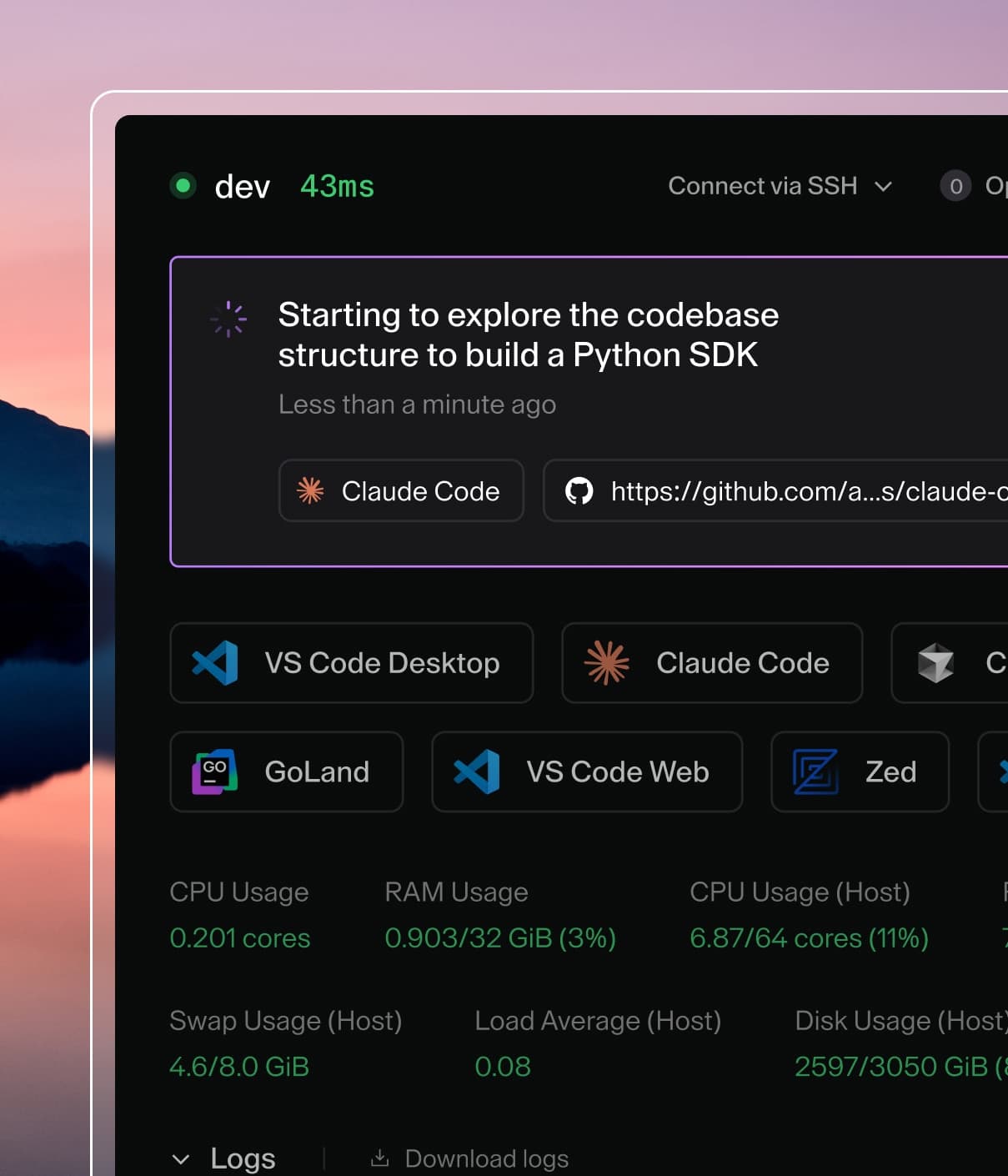
Coder powers secure, scalable development across key industries — automotive, finance, government, and technology — enabling faster builds, tighter compliance, and seamless AI adoption in enterprise-grade cloud environments.
Coder Agents is a chat interface and API for delegating
development work to coding agents that run inside the Coder control plane. When
AI Gateway is enabled on the same deployment, Coder Agents traffic can be
routed through it for full audit and governance coverage.
At least one provider is configured in
AI Gateway with a valid upstream key.
You are an administrator with permission to configure Coder Agents
providers.
Note
AI Gateway and Coder Agents use independent provider configurations. Adding
a provider to AI Gateway does not enable it in Coder Agents, and vice versa.
Configure each separately.
Configuration
Point each Agents provider's Base URL at your local AI Gateway endpoint
and set the API Key to a credential AI Gateway accepts. Because both
services run in the same coderd process, the AI Gateway endpoint is just
your deployment URL plus /api/v2/aibridge/<provider>.
The steps are the same regardless of provider type, only the Base URL
changes:
Open the Coder dashboard and navigate to the Agents page.
Click Admin, then select the Providers tab.
Click the provider you want to route through AI Gateway.
Set the Base URL using the table below.
Set the API Key to a Coder API token. See
Authentication for which token to use.
Replace coder.example.com with your Coder deployment URL.
To target a named AI Gateway instance
through the Anthropic or OpenAI providers, swap the provider segment
of the Base URL for the instance name. For example, an Anthropic instance
named anthropic-corp becomes
https://coder.example.com/api/v2/aibridge/anthropic-corp, and an OpenAI
instance named azure-openai becomes
https://coder.example.com/api/v2/aibridge/azure-openai/v1.
Note
The table above covers the Coder Agents provider types most commonly
routed through AI Gateway. Coder Agents also supports Azure OpenAI,
AWS Bedrock, Google, OpenRouter, and Vercel AI Gateway provider types,
but only providers that speak a wire protocol AI Gateway supports
(Anthropic, OpenAI, or Copilot today) can be routed through it. The
base URL pattern is the same for any compatible provider: point it at
https://<your-coder-host>/api/v2/aibridge/<instance-name>.
After saving, add or update a model on
each provider so developers can select it from the chat. Models from a
provider only appear in the model selector once the provider has valid
credentials.
Authentication
AI Gateway accepts Coder-issued tokens for client authentication and also
supports Bring Your Own Key
(BYOK) for other clients.
Coder Agents only uses the centralized key mode today. The upstream
provider keys you configured for AI Gateway (for example,
CODER_AIBRIDGE_OPENAI_KEY) are used by AI Gateway internally to call the
upstream provider; they are not what Coder Agents sends.
Coder Agents stores the API Key field on each provider as the bearer
credential it forwards to AI Gateway on every request from any chat that
uses that provider. AI Gateway resolves the bearer token to a Coder user
and uses that user as the initiator on every interception.
Because the Agents provider config is deployment-wide, every chat that
uses this provider is logged in AI Gateway under the identity of whoever
owns the API token configured here. Per-chat attribution to the developer
who started a chat is not preserved when routing Agents traffic
through AI Gateway today. See
Known limitations below.
For that reason, use a long-lived API token for a dedicated
service account
that is intended to represent Agents traffic in audit. Avoid using an
admin's personal token: every chat would otherwise appear to have been
initiated by that admin.
Note
Coder Agents does not support Bring Your Own Key when routing through
AI Gateway today, but we plan to unify these authentication modes in a
future release. For now, the Agents User API
keys feature is independent
of AI Gateway and applies to direct provider calls only.
Identity and correlation headers
When Coder Agents calls a provider, it attaches identity headers to every
outgoing request. Today AI Gateway uses two of them:
Header
Used by AI Gateway today
User-Agent
Detects Coder Agents traffic and labels sessions with the Coder Agents client name.
X-Coder-Chat-Id
Acts as the AI Gateway session key, so every interception in a chat (and its sub-agents) appears under a single session.
Coder Agents also sends X-Coder-Owner-Id, X-Coder-Subchat-Id, and
X-Coder-Workspace-Id. These are emitted for forward compatibility but
are not consumed by AI Gateway today, which is why per-developer
attribution is not preserved. See
Known limitations for details.
You don't need to configure these headers; they are set automatically.
Pre-configuring in templates
You don't need to configure anything inside workspaces for Coder Agents
itself to use AI Gateway. The agent loop runs in the control plane, so
the Agents provider's Base URL is the only place AI Gateway needs to be
wired up.
If you also want IDE-based clients running inside Agents-provisioned
workspaces (such as Claude Code or Codex CLI) to route through AI
Gateway, configure them on the workspace template. See the
Configuring In-Workspace Tools
section for the general pattern, plus the per-client pages such as
Claude Code.
Verifying the integration
After saving the provider, start a new chat from the Agents page and send
a short prompt. Then:
Open the AI Gateway sessions UI at
https://coder.example.com/aibridge/sessions.
The most recent session should show Coder Agents as the client and
the user that owns the API token configured on the Agents provider as
the initiator.
Click into the session to see the chat's interceptions, token usage,
and any tool invocations.
If the session does not appear, check that the Agents provider's Base URL
points at your deployment's /api/v2/aibridge/... path and that the API
key is a valid Coder token.
Troubleshooting
401 Unauthorized from the chat. The API key on the Agents provider
is not a valid Coder token, has been revoked, or belongs to a user that
cannot reach AI Gateway. Generate a new long-lived token and update the
provider.
Sessions in audit show a generic client instead of Coder Agents.
This usually means the request bypassed AI Gateway. Confirm the
provider's Base URL starts with your deployment's /api/v2/aibridge/
path and not the upstream provider URL.
Provider does not appear in the Agents model selector. Add at least
one model to the provider after
saving the Base URL. Providers without an enabled model are hidden from
developers.
Known limitations
Per-developer attribution is not preserved. AI Gateway attributes
every interception to the user that owns the bearer token configured
on the Agents provider, regardless of which developer started the
chat. The chat owner ID is sent by Coder Agents in X-Coder-Owner-Id
but is not consumed by AI Gateway today. Use a dedicated service
account for the Agents provider's API token so audit data is
attributed to a single, non-human identity.
Bring Your Own Key (BYOK) is not supported through AI Gateway.
Personal LLM credentials configured under
User API keys are sent
directly to the provider; AI Gateway is not involved when BYOK is
active.