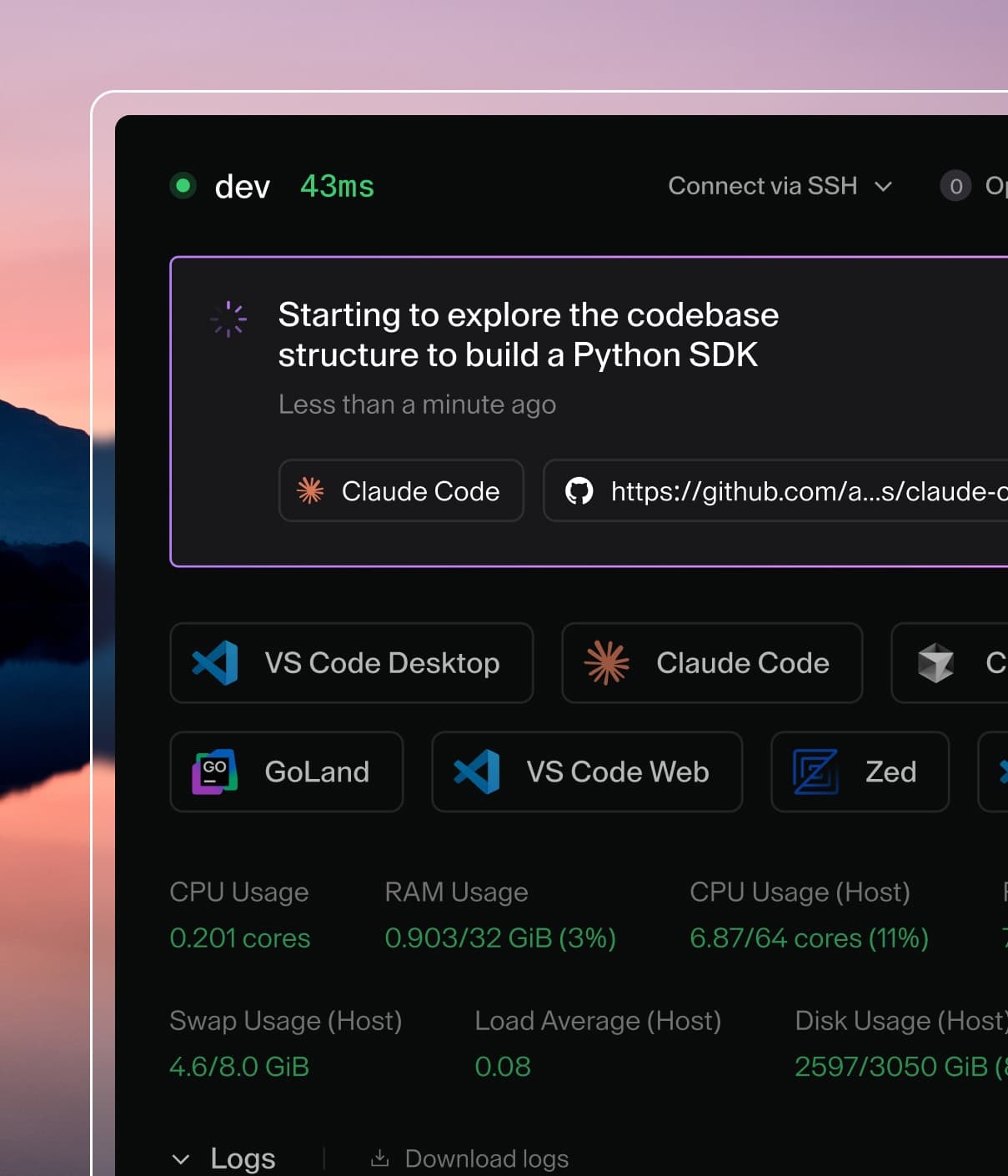
Coder powers secure, scalable development across key industries — automotive, finance, government, and technology — enabling faster builds, tighter compliance, and seamless AI adoption in enterprise-grade cloud environments.
AI Gateway requires the AI Governance Add-On.
As of Coder v2.32, deployments without the add-on will not be able to
access AI Gateway.
Warning
Injected MCP in AI Gateway is deprecated.
It remains functional and will not be removed until
the new implementation is released. Only critical
security-related patches will be made.
AI Gateway can connect to MCP servers and inject tools automatically, enabling you to centrally manage the list of tools you wish to grant your users.
Note
Only MCP servers which support OAuth2 Authorization are supported currently.
Streamable HTTP is the only supported transport currently. In future releases we will support the (now deprecated) Server-Sent Events transport.
AI Gateway makes use of External Auth applications, as they define OAuth2 connections to upstream services. If your External Auth application hosts a remote MCP server, you can configure AI Gateway to connect to it, retrieve its tools and inject them into requests automatically - all while using each individual user's access token.
For example, GitHub has a remote MCP server and we can use it as follows.
CODER_EXTERNAL_AUTH_0_TYPE=github
CODER_EXTERNAL_AUTH_0_CLIENT_ID=...
CODER_EXTERNAL_AUTH_0_CLIENT_SECRET=...
# Tell AI Gateway where it can find this service's remote MCP server.
CODER_EXTERNAL_AUTH_0_MCP_URL=https://api.githubcopilot.com/mcp/
AI Gateway marks automatically injected tools with a prefix bmcp_ ("bridged MCP"). It also namespaces all tool names by the ID of their associated External Auth application (in this case github).
Tool Injection
If a model decides to invoke a tool and it has a bmcp_ prefix and AI Gateway has a connection with the related MCP server, it will invoke the tool. The tool result will be passed back to the upstream AI provider, and this will loop until the model has all of its required data. These inner loops are not relayed back to the client. The client only sees the result of this loop. Refer to Deployment topologies.
In contrast, tools which are defined by the client (i.e. the Bash tool defined by Claude Code) cannot be invoked by AI Gateway, and the tool call from the model will be relayed to the client, after which it will invoke the tool.
If you have Coder MCP Server enabled, as well as have CODER_AI_GATEWAY_INJECT_CODER_MCP_TOOLS=true set, Coder's MCP tools will be injected into intercepted requests.
Troubleshooting
Too many tools: should you receive an error like Invalid 'tools': array too long. Expected an array with maximum length 128, but got an array with length 132 instead, you can reduce the number by filtering out tools using the allow/deny patterns documented in the MCP section.
Coder MCP tools not being injected: in order for Coder MCP tools to be injected, the internal MCP server needs to be active. Follow the instructions in the MCP Server page to enable it and ensure CODER_AI_GATEWAY_INJECT_CODER_MCP_TOOLS is set to true.
External Auth tools not being injected: this is generally due to the requesting user not being authenticated against the External Auth app; when this is the case, no attempt is made to connect to the MCP server.