Coder AgentsNew
Deploy coding agents with consistency and control on self-hosted, network-isolated infrastructure.

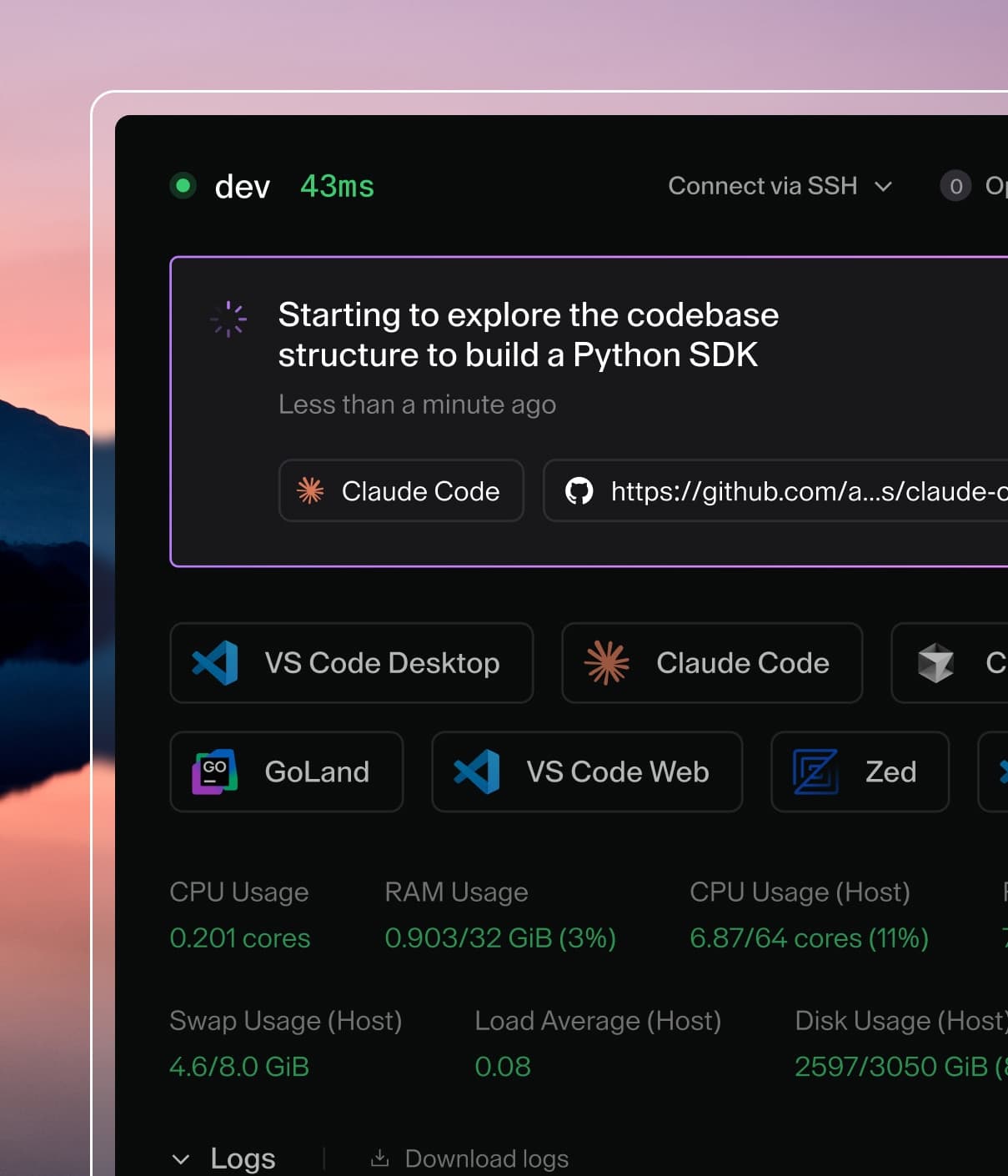
Coder Workspaces
Self-hosted cloud development environments for your developers and their agents.
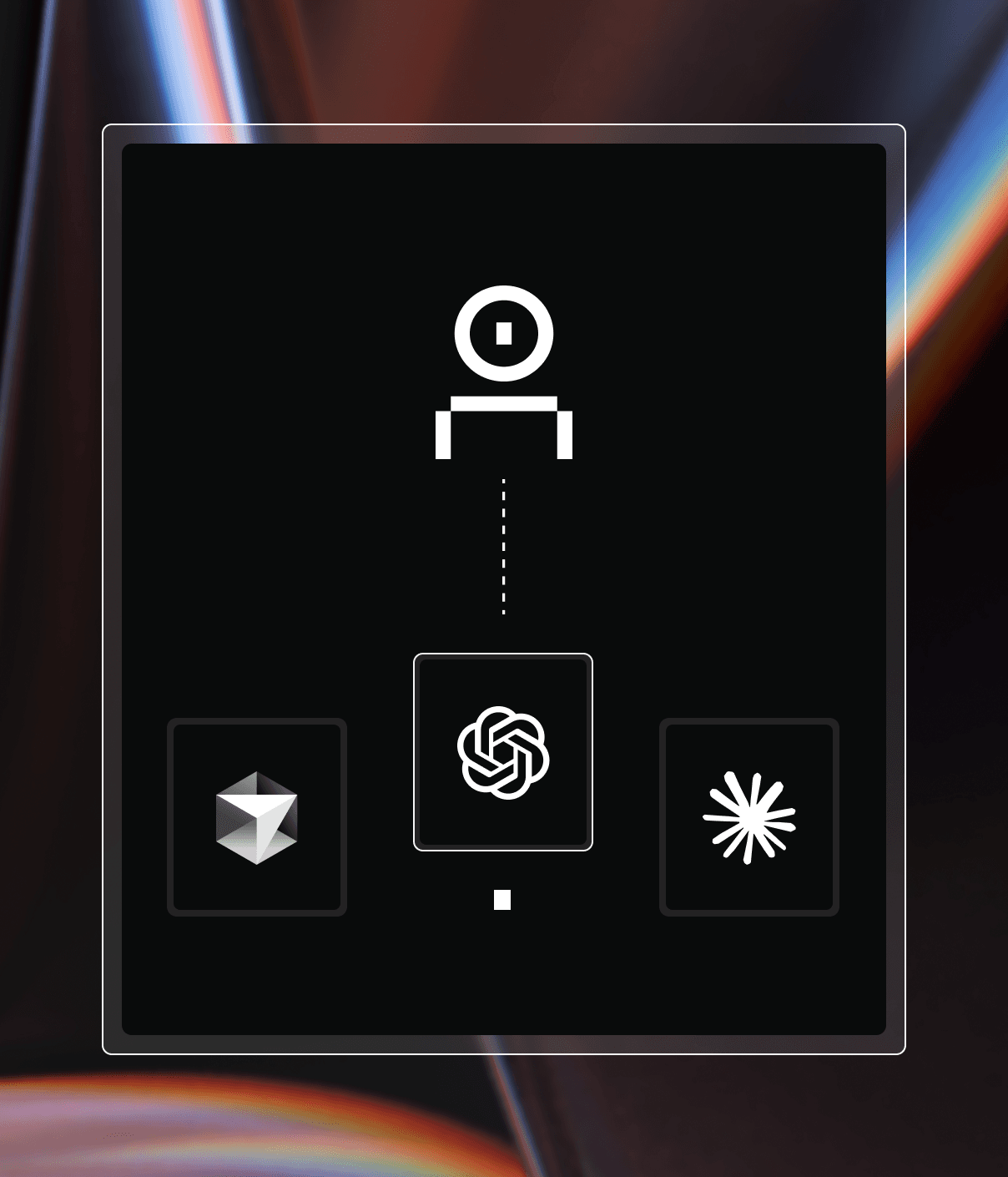
Coder AI Governance
A centralized gateway to observe and control LLM tool usage across your environments.
Explore Coder
Ecosystem Integrations
AI-native Development
Coder powers secure, scalable development across key industries — automotive, finance, government, and technology — enabling faster builds, tighter compliance, and seamless AI adoption in enterprise-grade cloud environments.
Explore by Industry

Join the Coder Community
Connect, contribute, and get recognized. Explore the registry, become a Coder Champion, claim a free homelab license, and tune into the podcast.