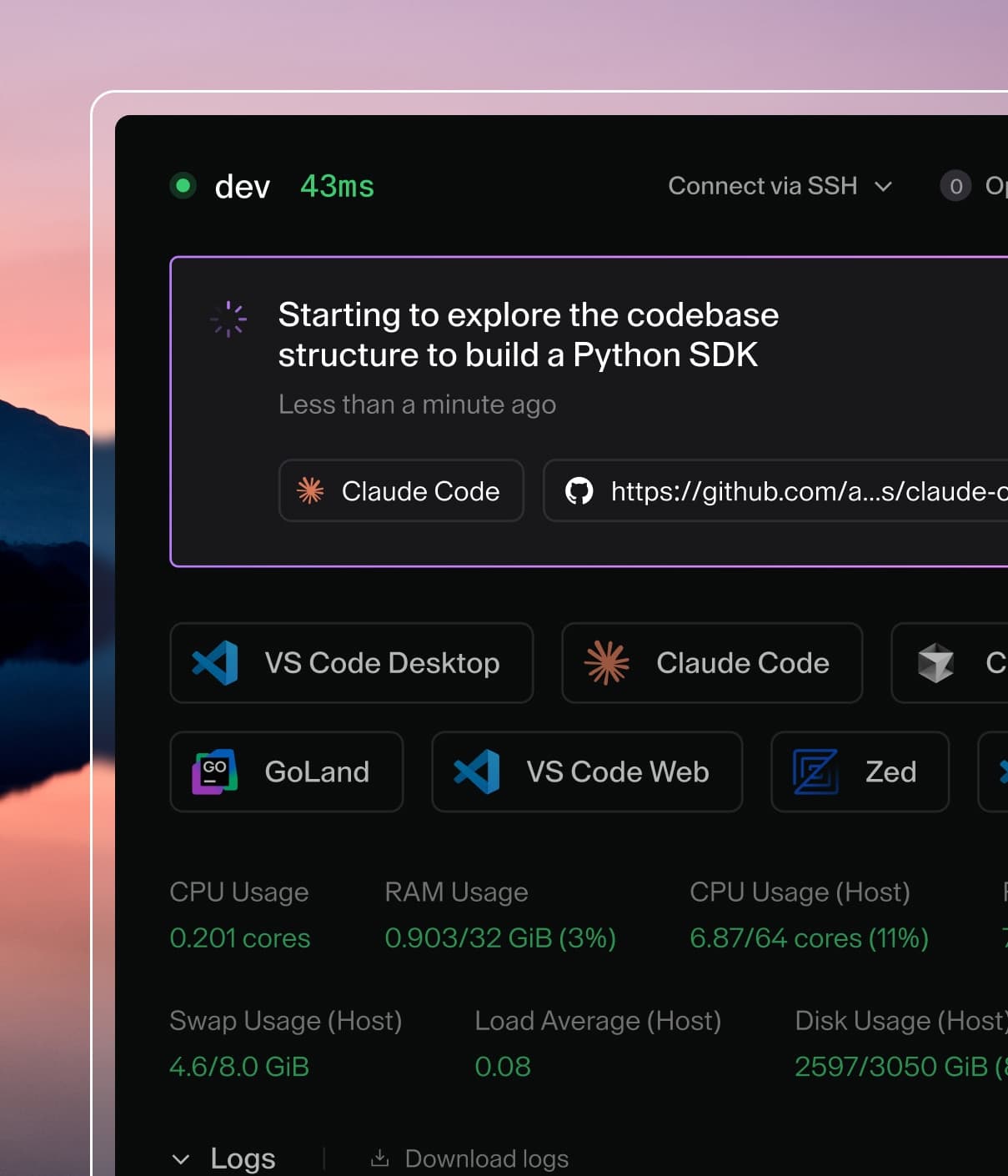
Coder powers secure, scalable development across key industries — automotive, finance, government, and technology — enabling faster builds, tighter compliance, and seamless AI adoption in enterprise-grade cloud environments.
Homepage URL: Set to your Coder domain (e.g. https://coder.domain.com)
User Authorization Callback URL: Set to https://coder.domain.com/api/v2/users/oauth2/github/callback
Note the Client ID and Client Secret generated by GitHub. You will use these
values in the next step.
Step 2: Configure Coder with the OAuth credentials
Navigate to your Coder host and run the following command to start up the Coder
server:
coder server --oauth2-github-allow-signups=true --oauth2-github-allowed-orgs="your-org" --oauth2-github-client-id="8d1...e05" --oauth2-github-client-secret="57ebc9...02c24c"
For GitHub Enterprise support, specify the --oauth2-github-enterprise-base-url flag.
Alternatively, if you are running Coder as a system service, you can achieve the
same result as the command above by adding the following environment variables
to the /etc/coder.d/coder.env file:
Authorized JavaScript origins: Set to your Coder domain (e.g. https://coder.domain.com)
Redirect URIs: Set to https://coder.domain.com/api/v2/users/oidc/callback
Step 2: Configure Coder with the OpenID Connect credentials
Navigate to your Coder host and run the following command to start up the Coder
server:
coder server --oidc-issuer-url="https://accounts.google.com" --oidc-email-domain="your-domain-1,your-domain-2" --oidc-client-id="533...ent.com" --oidc-client-secret="G0CSP...7qSM"
Alternatively, if you are running Coder as a system service, you can achieve the
same result as the command above by adding the following environment variables
to the /etc/coder.d/coder.env file:
Once complete, run sudo service coder restart to reboot Coder.
When a new user is created, the preferred_username claim becomes the username. If this claim is empty, the email address will be stripped of the domain, and become the username (e.g. [email protected] becomes example).
If your OpenID Connect provider requires client TLS certificates for authentication, you can configure them like so:
Coder requires all OIDC email addresses to be verified by default. If the email_verified claim is present in the token response from the identity provider, Coder will validate that its value is true.
If needed, you can disable this behavior with the following setting:
CODER_OIDC_IGNORE_EMAIL_VERIFIED=true
Note: This will cause Coder to implicitly treat all OIDC emails as "verified".
Coder supports user provisioning and deprovisioning via SCIM 2.0 with header
authentication. Upon deactivation, users are suspended
and are not deleted. Configure your SCIM application with an
auth key and supply it the Coder server.