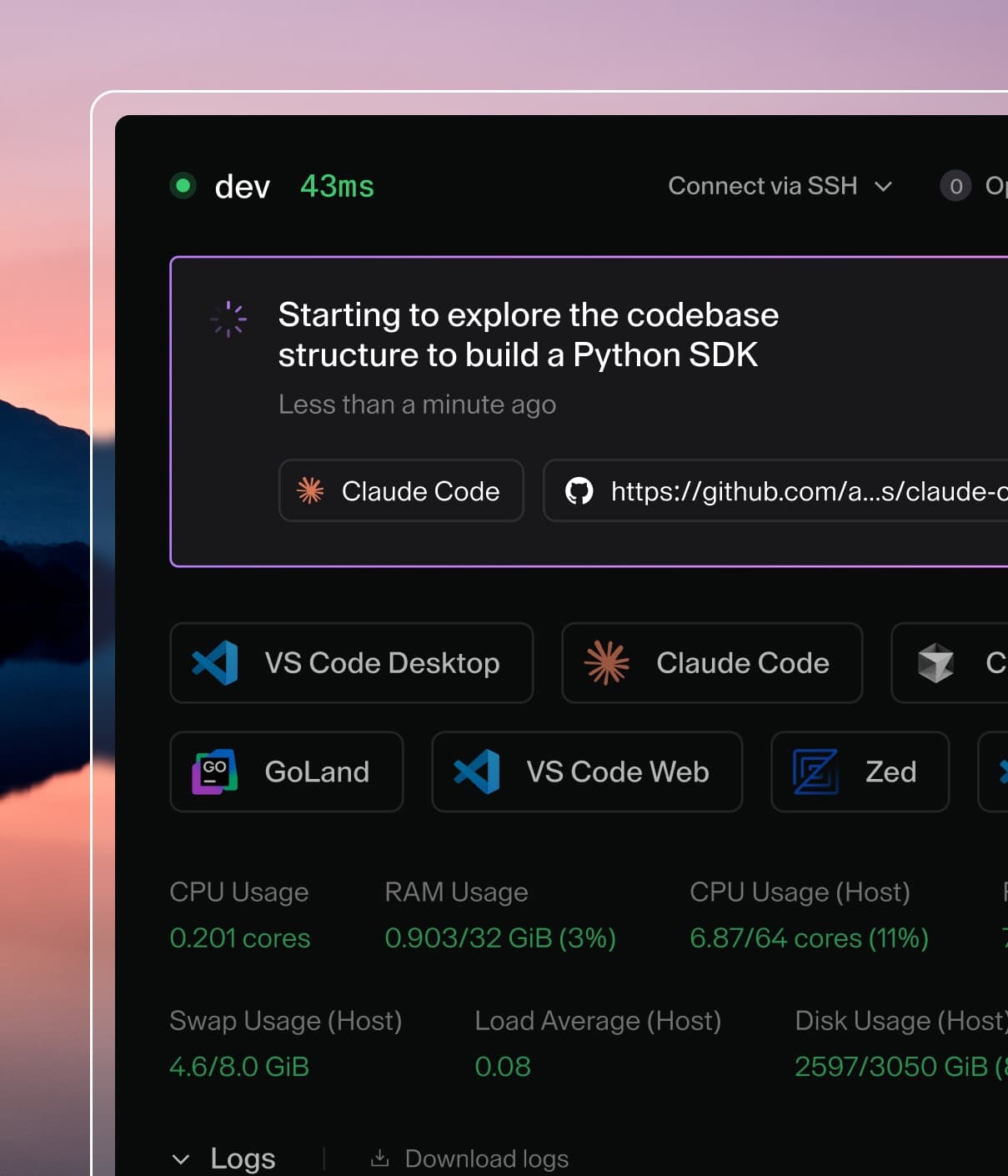
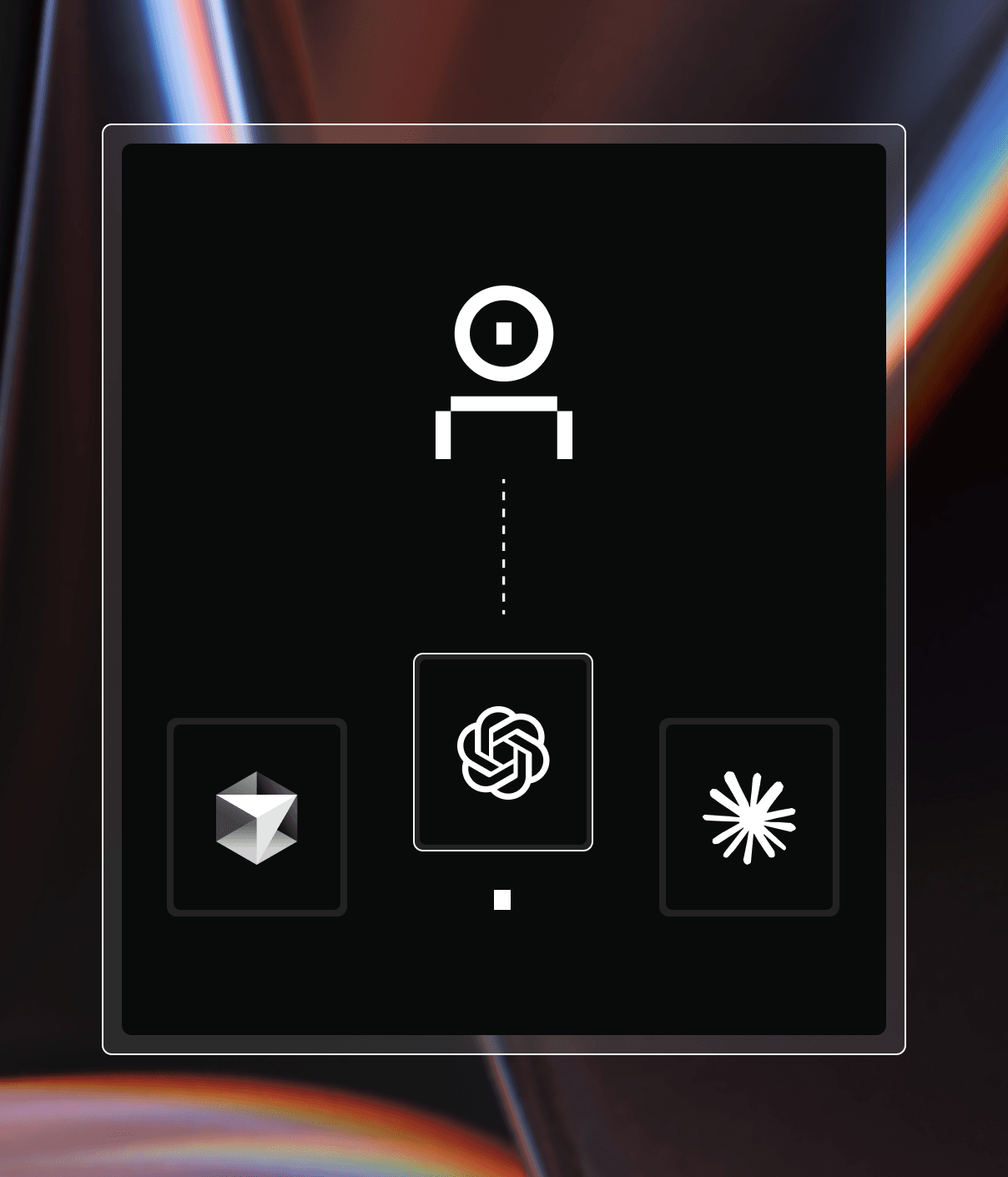
Coder powers secure, scalable development across key industries — automotive, finance, government, and technology — enabling faster builds, tighter compliance, and seamless AI adoption in enterprise-grade cloud environments.
AI Gateway is part of AI Governance, which is included with a Premium license.
Codex CLI can be configured to use AI Gateway by setting up a custom model provider.
Centralized API Key
To configure Codex CLI to use AI Gateway, set the following configuration options in your Codex configuration file (for example, ~/.codex/config.toml):
# Your personal OpenAI API key, forwarded to OpenAI.
export OPENAI_API_KEY="<your-openai-api-key>"

# Your Coder API token, used for authentication with AI Gateway.
export CODER_API_TOKEN="<your-coder-api-token>"
BYOK (ChatGPT Subscription)
Important
This flow requires a ChatGPT provider on the deployment.
Without it, Codex requests fail with 404 route not supported: POST /chatgpt/v1/responses.
Add the following to your Codex configuration file (for example, ~/.codex/config.toml):
The base_url uses /ai-gateway/chatgpt/v1 instead of /ai-gateway/openai/v1 to route requests through the ChatGPT provider.
Set your Coder API token and ensure OPENAI_API_KEY is not set:
# Your Coder API token, used for authentication with AI Gateway.
export CODER_API_TOKEN="<your-coder-api-token>"

# Ensure no OpenAI API key is set so Codex uses ChatGPT login instead.
unset OPENAI_API_KEY
When you run Codex, it will prompt you to log in with your ChatGPT account.
Pre-configuring in Templates
If configuring within a Coder workspace, you can use the Codex CLI module.
For the centralized API key flow, set enable_ai_gateway:
module "codex" {
  source            = "registry.coder.com/coder-labs/codex/coder"
  version           = "~> 5.3"
  agent_id          = coder_agent.main.id
  workdir           = "/path/to/project" # Set to your project directory
  enable_ai_gateway = true
}
For the ChatGPT subscription flow, pass the provider configuration through base_config_toml and inject the Coder API token with a coder_env resource.
Users authenticate by running codex login with their ChatGPT account:
resource "coder_env" "coder_api_token" {
  agent_id = coder_agent.main.id
  name     = "CODER_API_TOKEN"
  value    = data.coder_workspace_owner.me.session_token
}

module "codex" {
  source   = "registry.coder.com/coder-labs/codex/coder"
  version  = "~> 5.3"
  agent_id = coder_agent.main.id
  workdir  = "/path/to/project" # Set to your project directory

  base_config_toml = <<-TOML
    model_provider = "ai_gateway"

    [model_providers.ai_gateway]
    name = "AI Gateway"
    base_url = "${data.coder_workspace.me.access_url}/api/v2/ai-gateway/chatgpt/v1"
    wire_api = "responses"
    requires_openai_auth = true
    env_http_headers = { "X-Coder-AI-Governance-Token" = "CODER_API_TOKEN" }
  TOML
}
Do not set OPENAI_API_KEY in the workspace when using the ChatGPT subscription flow, or Codex authenticates with the API key instead of the ChatGPT login.
Troubleshooting
Codex falls back from WebSockets to HTTPS transport
Recent Codex CLI versions default to the WebSocket runtime for the Responses API.
AI Gateway does not support WebSocket transport, so each request attempts a WebSocket connection and retries up to 5 times before falling back to HTTPS.
When this happens you will see:
Falling back from WebSockets to HTTPS transport.
The requests still succeed over HTTPS, but every turn waits through the five failed WebSocket attempts first.
To stop Codex from attempting WebSockets, set supports_websockets = false in your AI Gateway provider block in ~/.codex/config.toml: