Coder powers secure, scalable development across key industries — automotive, finance, government, and technology — enabling faster builds, tighter compliance, and seamless AI adoption in enterprise-grade cloud environments.
Customizing Coder's appearance is a Premium feature.
Learn more.
Customize the look of your Coder deployment to meet your enterprise
requirements.
You can access the Appearance settings by navigating to
Deployment > Appearance.
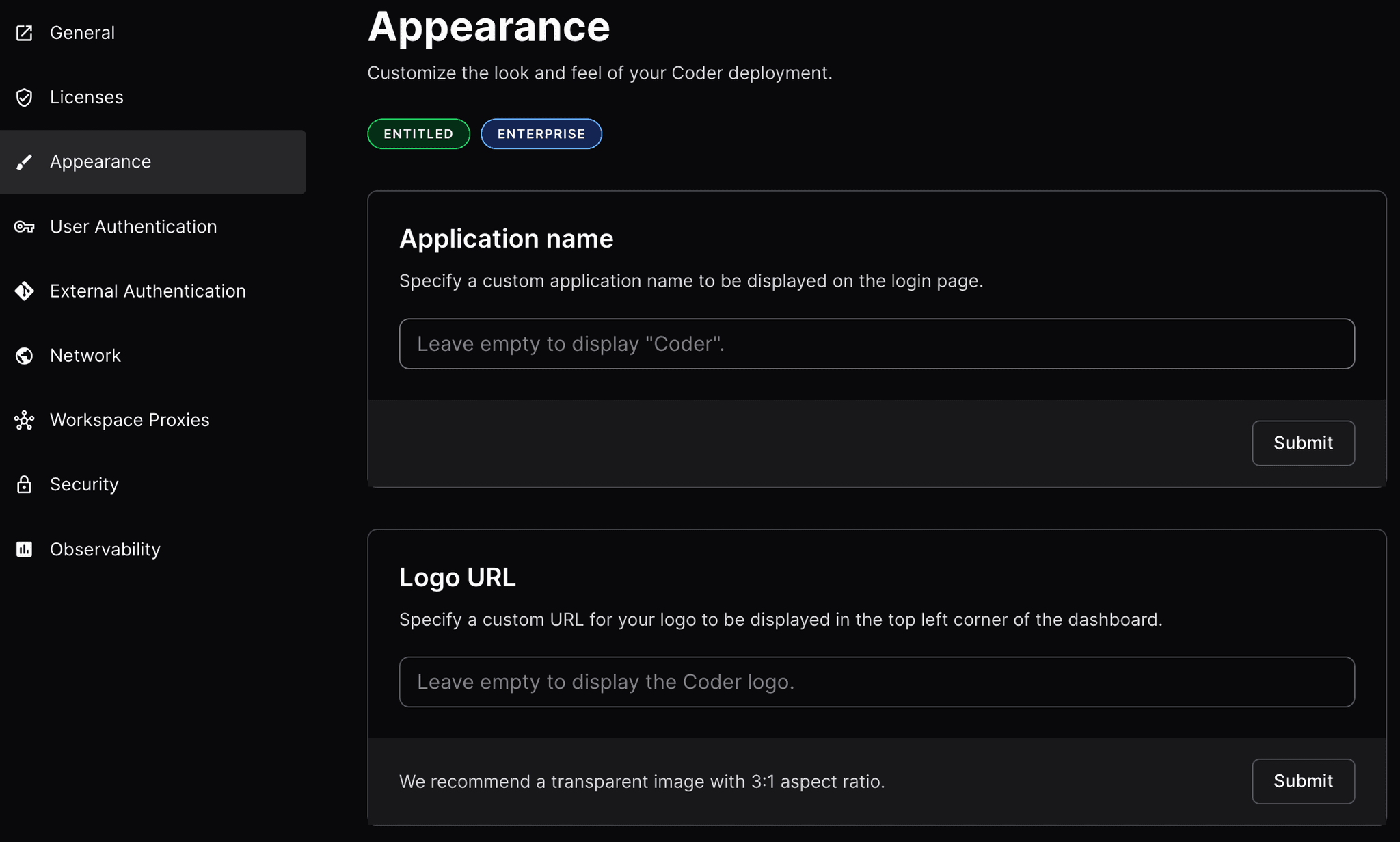
Application Name
Specify a custom application name to be displayed on the login page. The default
is Coder.
Logo URL
Specify a custom URL for your enterprise's logo to be displayed on the sign in
page and in the top left corner of the dashboard. The default is the Coder logo.
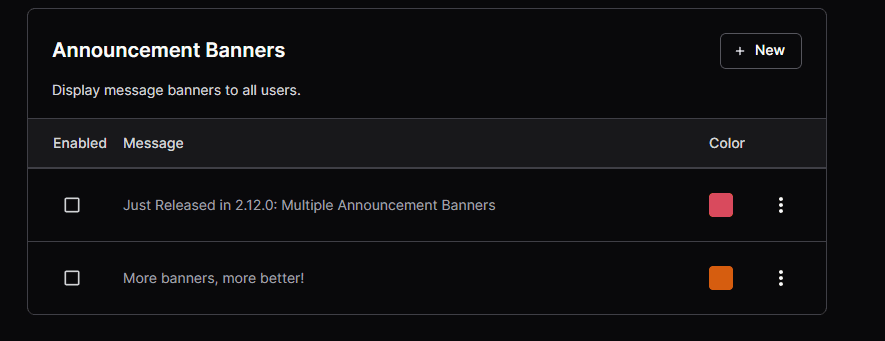
Announcement Banners
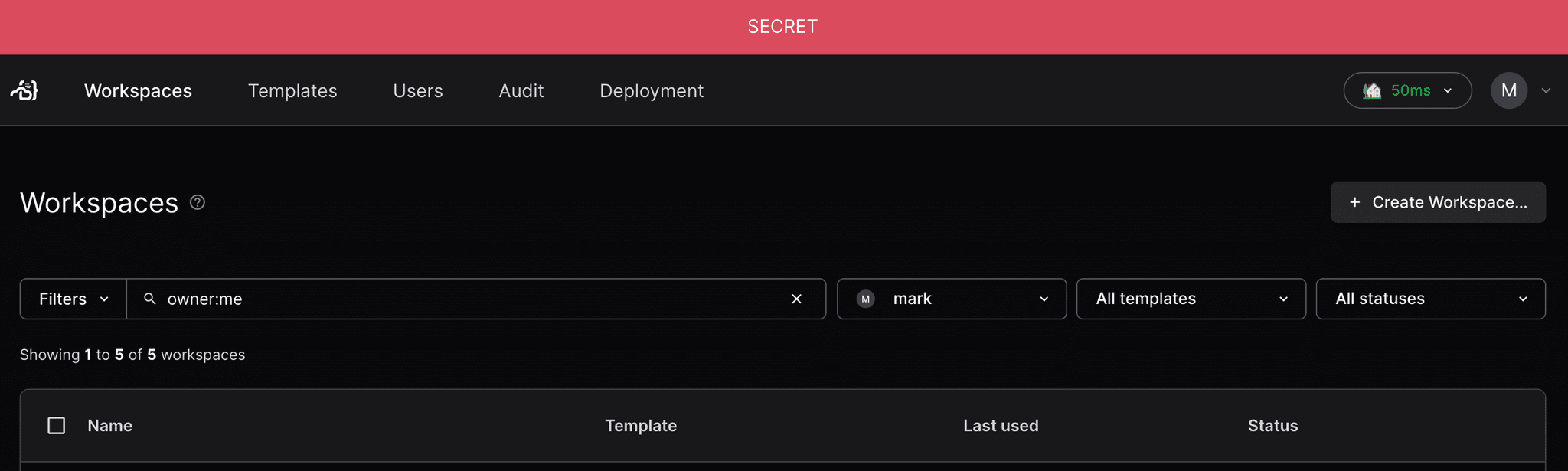
Announcement Banners let admins post important messages to all site users. Only
Site Owners may set the announcement banners.
Example: Use multiple announcement banners for concurrent deployment-wide
updates, such as maintenance or new feature rollout.
Example: Adhere to government network classification requirements and notify
users of which network their Coder deployment is on.
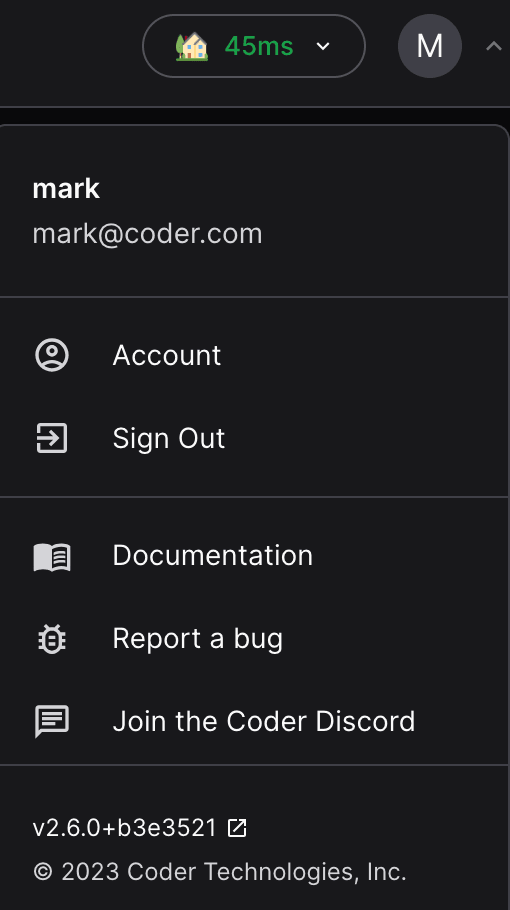
Support links let admins adjust the user dropdown menu to include links
referring to internal company resources. The menu section replaces the original
menu positions: documentation, report a bug to GitHub, or join the Discord
server.
Icons
The link icons are optional, and can be set to any url or
builtin icon,
additionally bug, chat, docs, and star are available as special icons.
Location
The location property is optional and determines where the support link will
be displayed:
navbar - displays the link as a button in the top navigation bar
dropdown - displays the link in the user dropdown menu (default)
If the location property is not specified, the link will be displayed in the
user dropdown menu.
Configuration
Kubernetes
To configure support links in your Coder Kubernetes deployment, update your Helm
chart values as follows: