Coder powers secure, scalable development across key industries — automotive, finance, government, and technology — enabling faster builds, tighter compliance, and seamless AI adoption in enterprise-grade cloud environments.
The most common way to get a GUI-based connection to a Windows workspace is by using Remote Desktop Protocol (RDP).
To use RDP with Coder, you'll need to install an
RDP client
on your local machine, and enable RDP on your workspace.
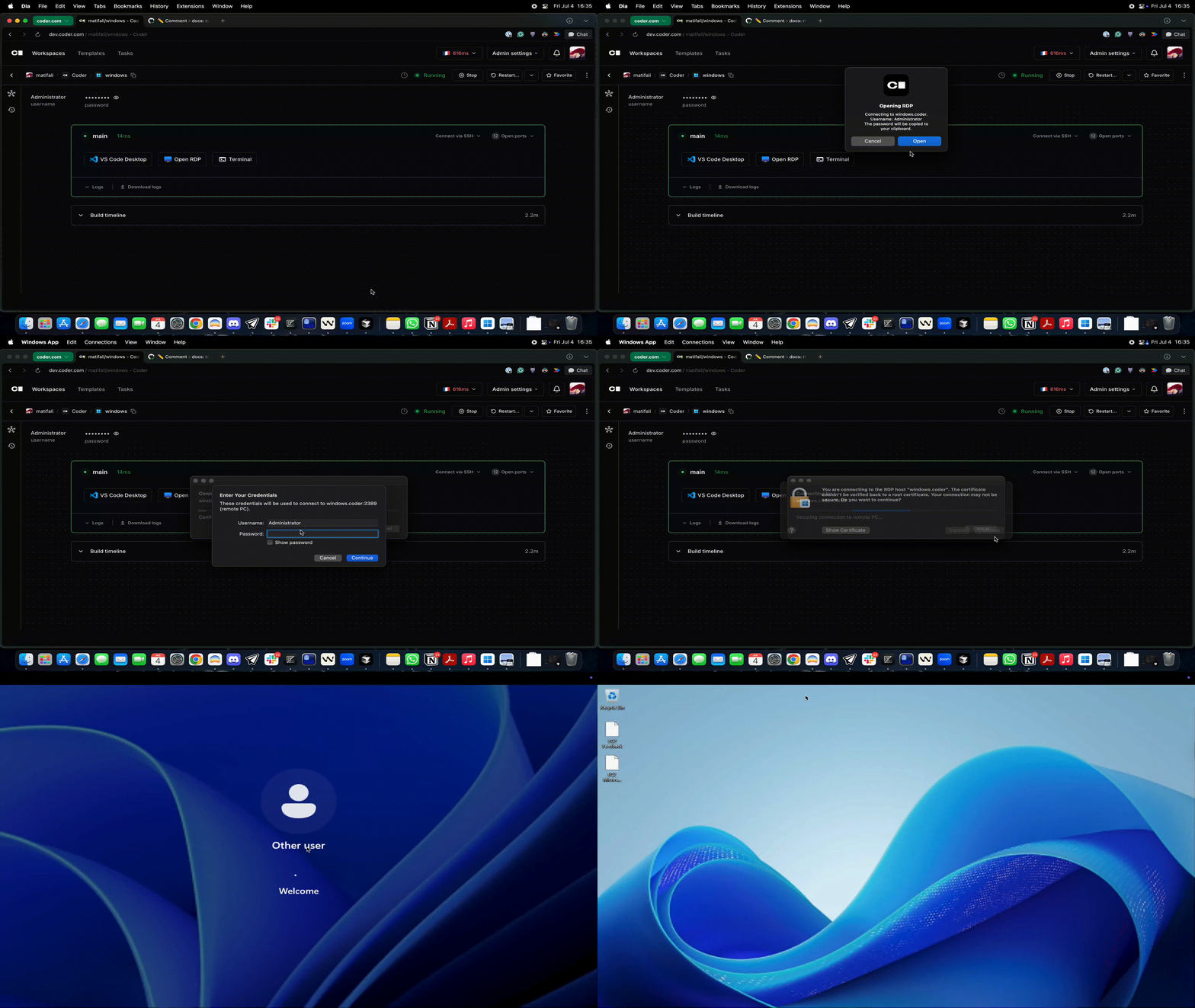
Coder Desktop's Coder Connect feature creates a connection to your workspaces in the background. Use your favorite RDP client to connect to <workspace-name>.coder.
You can use the RDP Desktop module to add a single-click button to open an RDP session in the browser.
You can also use a URI handler to launch an RDP session directly.
The URI format is:
coder://<your Coder server name>/v0/open/ws/<workspace name>/agent/<agent name>/rdp?username=<username>&password=<password>
Some versions of Windows, including Windows Server 2022, do not communicate correctly over UDP when using Coder Connect because they do not respect the maximum transmission unit (MTU) of the link. When this happens, the RDP client will appear to connect, but displays a blank screen.
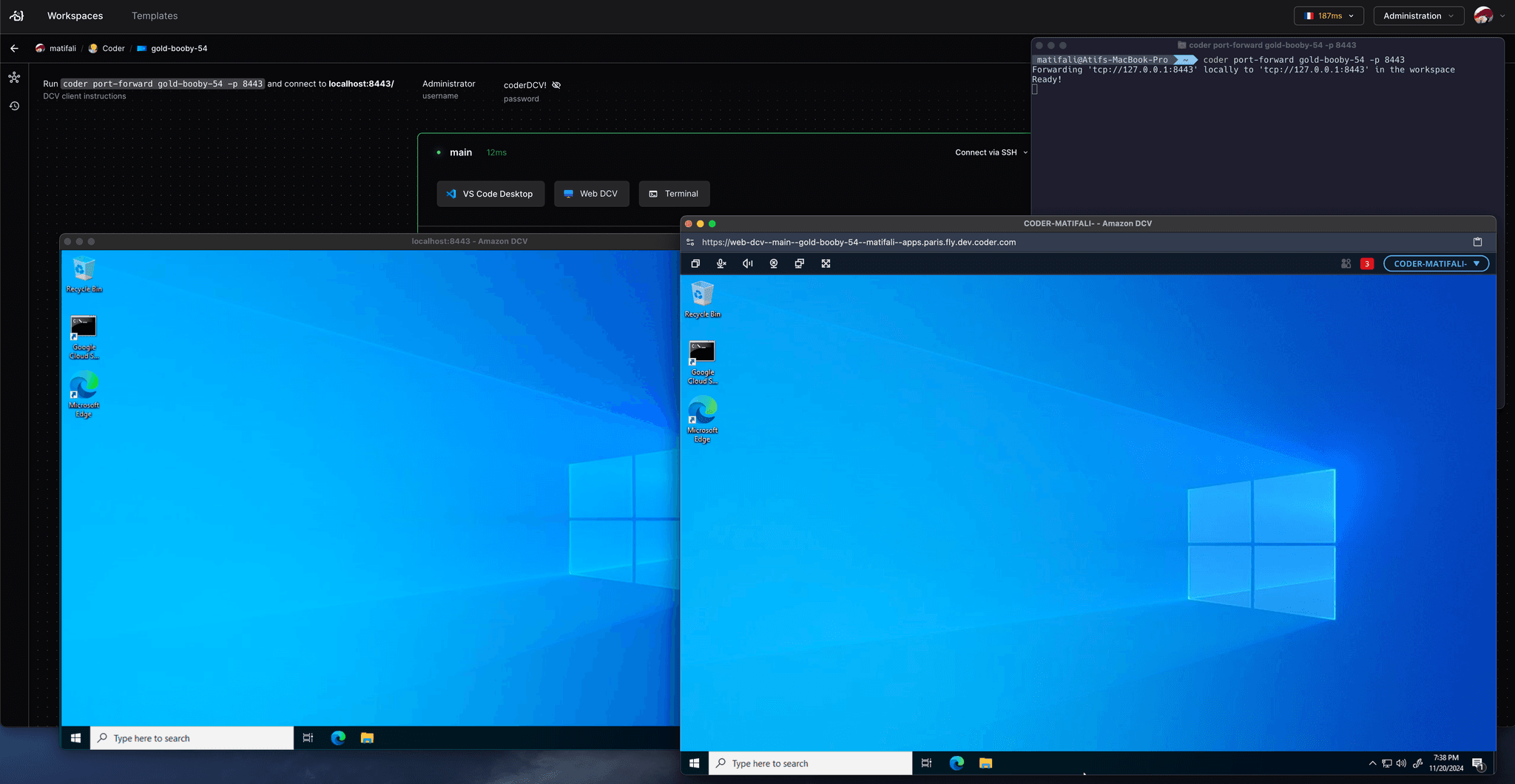
Coder Desktop's Coder Connect feature creates a connection to your workspaces in the background. Use DCV client to connect to <workspace-name>.coder:8443.
VNC
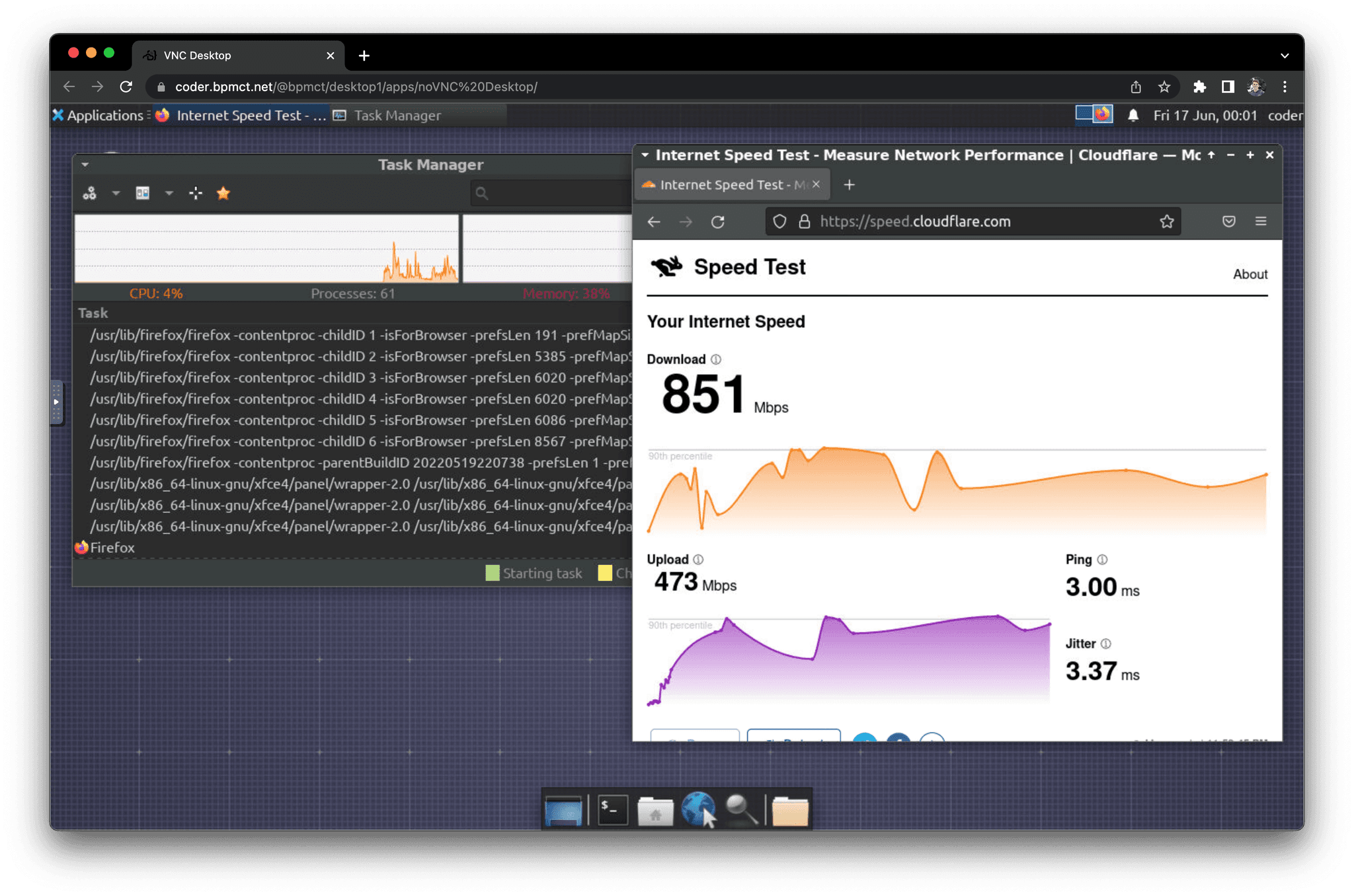
The common way to connect to a desktop session of a Linux workspace is to use a VNC client. The VNC client can be installed on your local machine or accessed through a web browser. There is an additional requirement to install the VNC server on the workspace.
Installation instructions vary depending on your workspace's operating system, platform, and build system. Refer to the enterprise-desktop image for a starting point which can be used to provision a Dockerized workspace with the following software:
Ubuntu 24.04
XFCE Desktop
KasmVNC Server and Web Client
Use a VNC client (e.g., TigerVNC) by forwarding the VNC port to your local machine.
Coder Desktop
Coder Desktop's Coder Connect feature allows you to connect to your workspace's VNC server at <workspace-name>.coder:5900.
CLI
Use the following command to forward the VNC port to your local machine: