Coder powers secure, scalable development across key industries — automotive, finance, government, and technology — enabling faster builds, tighter compliance, and seamless AI adoption in enterprise-grade cloud environments.
A Coder administrator adds an Envbuilder-compatible template to Coder. This
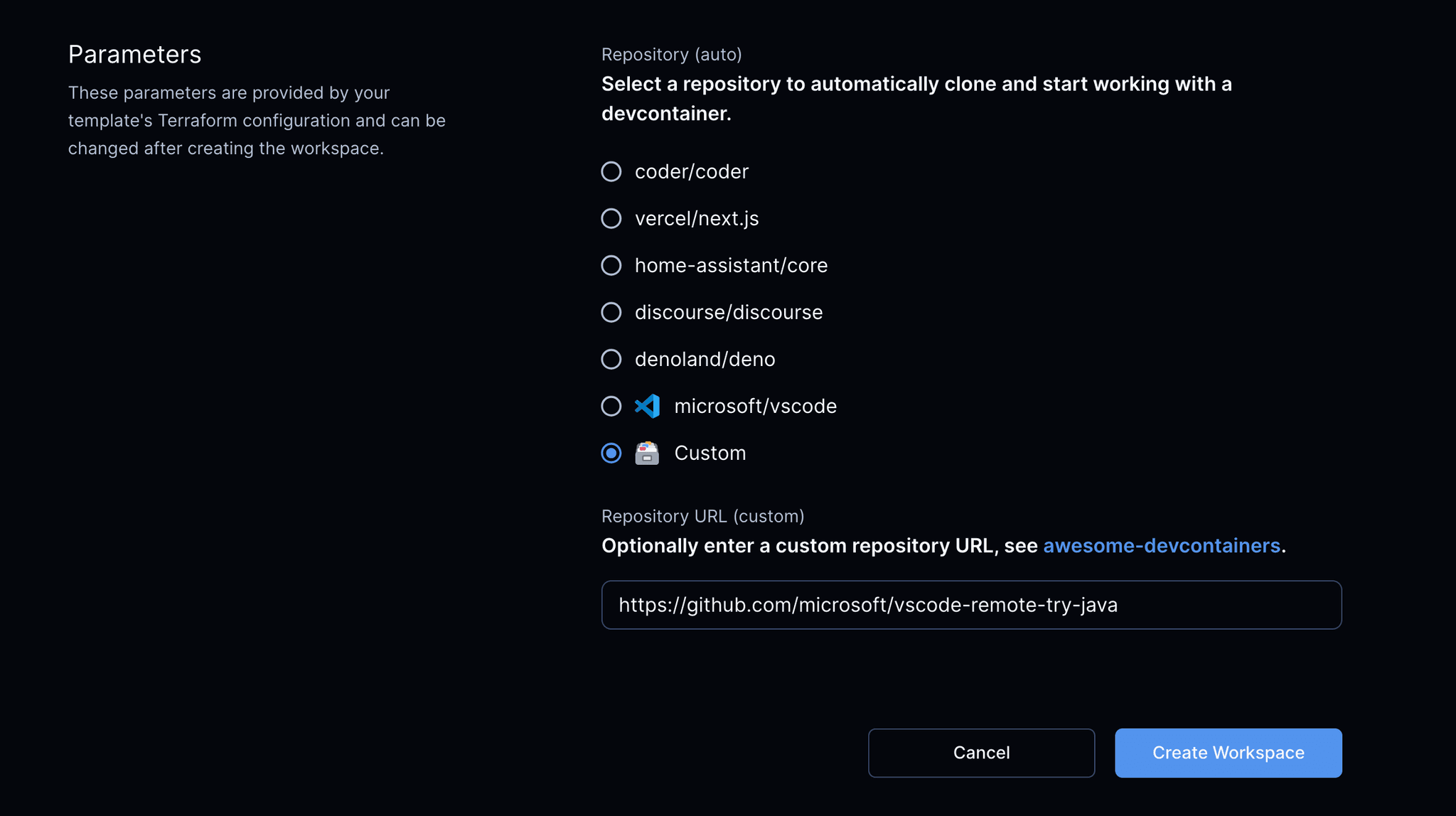
allows the template to prompt the developer for their dev container repository's
URL as a parameter when they create
their workspace. Envbuilder clones the repo and builds a container from the
devcontainer.json specified in the repo.
You can create template files through the Coder dashboard, CLI, or you can
choose a template from the
Coder registry:
In the Coder dashboard, select Templates > New Template.
The template builder opens.
The template builder does not currently include dev-container-compatible base templates.
Select Upload an existing template at the bottom of the page to upload your Terraform files directly.
Upload your .zip or .tar.gz file, enter the details, then select Create template.
Edit the template files to fit your deployment.
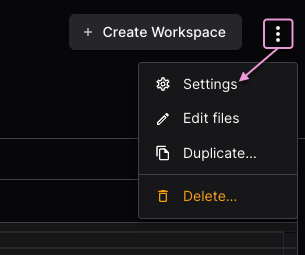
To set variables such as the namespace, go to the template in your Coder
dashboard and select Settings from the ⋮ (vertical ellipsis) menu:
Envbuilder Terraform provider
When using the
Envbuilder Terraform provider,
a previously built and cached image can be reused directly, allowing dev
containers to start instantaneously.
Developers can edit the devcontainer.json in their workspace to customize
their development environments:
Runs a development container inside a single GCP instance. It also mounts the Docker socket from the VM inside the container to enable Docker inside the workspace.
Runs a development container inside a single EC2 instance. It also mounts the Docker socket from the VM inside the container to enable Docker inside the workspace.
Your template can prompt the user for a repo URL with
parameters:
Dev container lifecycle scripts
The onCreateCommand, updateContentCommand, postCreateCommand, and
postStartCommand lifecycle scripts are run each time the container is started.
This could be used, for example, to fetch or update project dependencies before
a user begins using the workspace.
Lifecycle scripts are managed by project developers.