Coder powers secure, scalable development across key industries — automotive, finance, government, and technology — enabling faster builds, tighter compliance, and seamless AI adoption in enterprise-grade cloud environments.
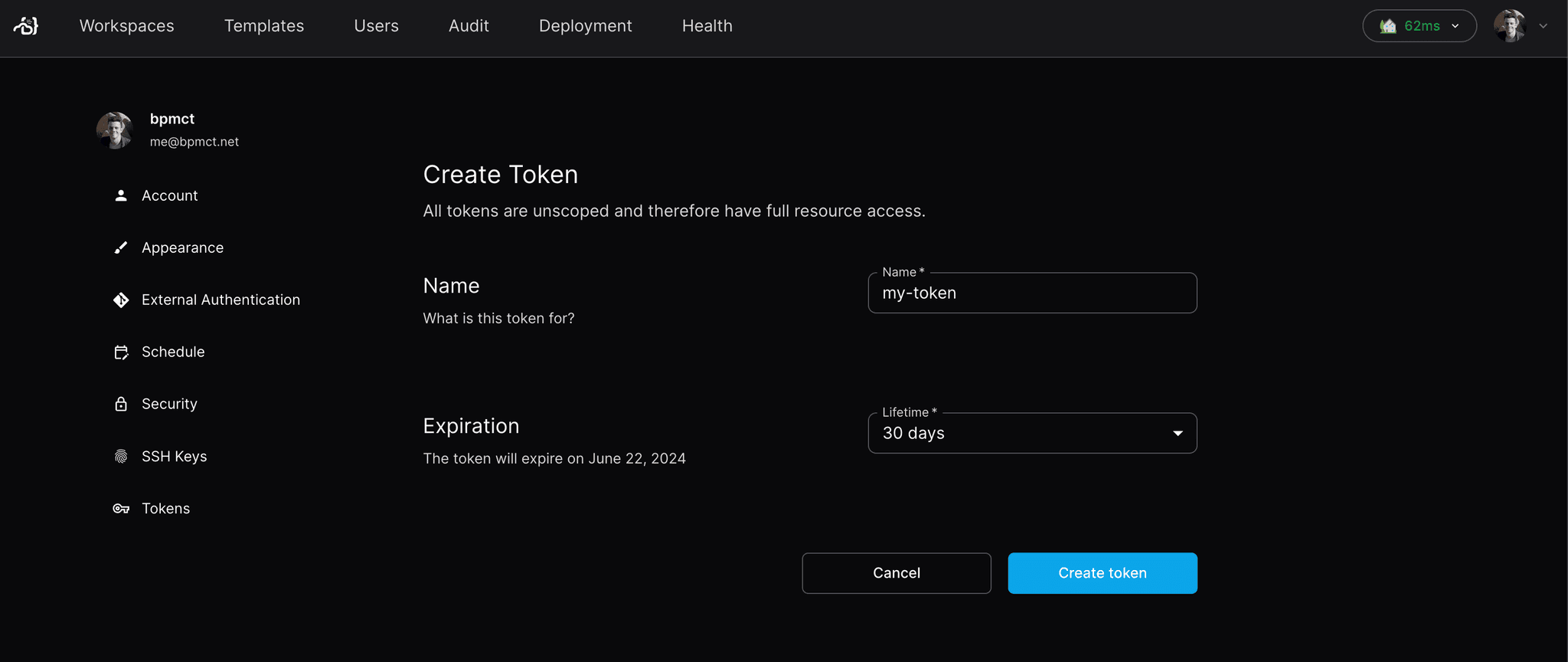
Users can generate tokens to make API requests on behalf of themselves.
Short-Lived Tokens (Sessions)
The Coder CLI and
Backstage Plugin use short-lived
token to authenticate. To generate a short-lived session token on behalf of your
account, visit the following URL: https://coder.example.com/cli-auth
Retrieve the current session token
If you're already logged in with the CLI, you can retrieve your current session
token for use in scripts and automation:
coder login token
This is useful for passing your session token to other tools:
You can use the
CODER_MAX_TOKEN_LIFETIME
server flag to set the maximum duration for long-lived tokens in your
deployment.
Remove or expire a token
You can remove a token using the CLI or the API. By default, coder tokens remove
expires the token, (soft-delete):
coder tokens remove <name|id>
Expired tokens can no longer be used for authentication and are hidden from
token listings by default. To include expired tokens, use the
--include-expired flag:
coder tokens list --include-expired
To hard-delete a token, use the --delete flag:
coder tokens remove --delete <name|id>
Deleting the user that owns a token revokes every token that user holds at the same time.
API Key Scopes
API key scopes allow you to limit the permissions of a token to specific operations. By default, tokens are created with the all scope, granting full access to all actions the user can perform. For improved security, you can create tokens with limited scopes that restrict access to only the operations needed.
Scopes follow the format resource:action, where resource is the type of object (like workspace, template, or user) and action is the operation (like read, create, update, or delete). You can also use wildcards like workspace:* to grant all permissions for a specific resource type.
Creating tokens with scopes
You can specify scopes when creating a token using the --scope flag:
# Create a token that can only read workspaces
coder tokens create --name "readonly-token" --scope "workspace:read"

# Create a token with multiple scopes
coder tokens create --name "limited-token" --scope "workspace:read" --scope "template:read"
Common scope examples include:
workspace:read - View workspace information
workspace:* - Full workspace access (create, read, update, delete)
template:read - View template information
api_key:read - View API keys (useful for automation)
application_connect - Connect to workspace applications
For a complete list of available scopes, see the API reference documentation.
Allow lists (advanced)
For additional security, you can combine scopes with allow lists to restrict tokens to specific resources. Allow lists let you limit a token to only interact with particular workspaces, templates, or other resources by their UUID:
# Create a token limited to a specific workspace
coder tokens create --name "workspace-token" \
  --scope "workspace:read" \
  --allow "workspace:a1b2c3d4-5678-90ab-cdef-1234567890ab"
Important: Allow lists are exclusive - the token can only perform actions on resources explicitly listed. In the example above, the token can only read the specified workspace and cannot access any other resources (templates, organizations, other workspaces, etc.). To maintain access to other resources, you must explicitly add them to the allow list:
# Token that can read one workspace AND access templates and user info
coder tokens create --name "limited-token" \
  --scope "workspace:read" --scope "template:*" --scope "user:read" \
  --allow "workspace:a1b2c3d4-5678-90ab-cdef-1234567890ab" \
  --allow "template:*" \
  --allow "user:*" \
  ... etc