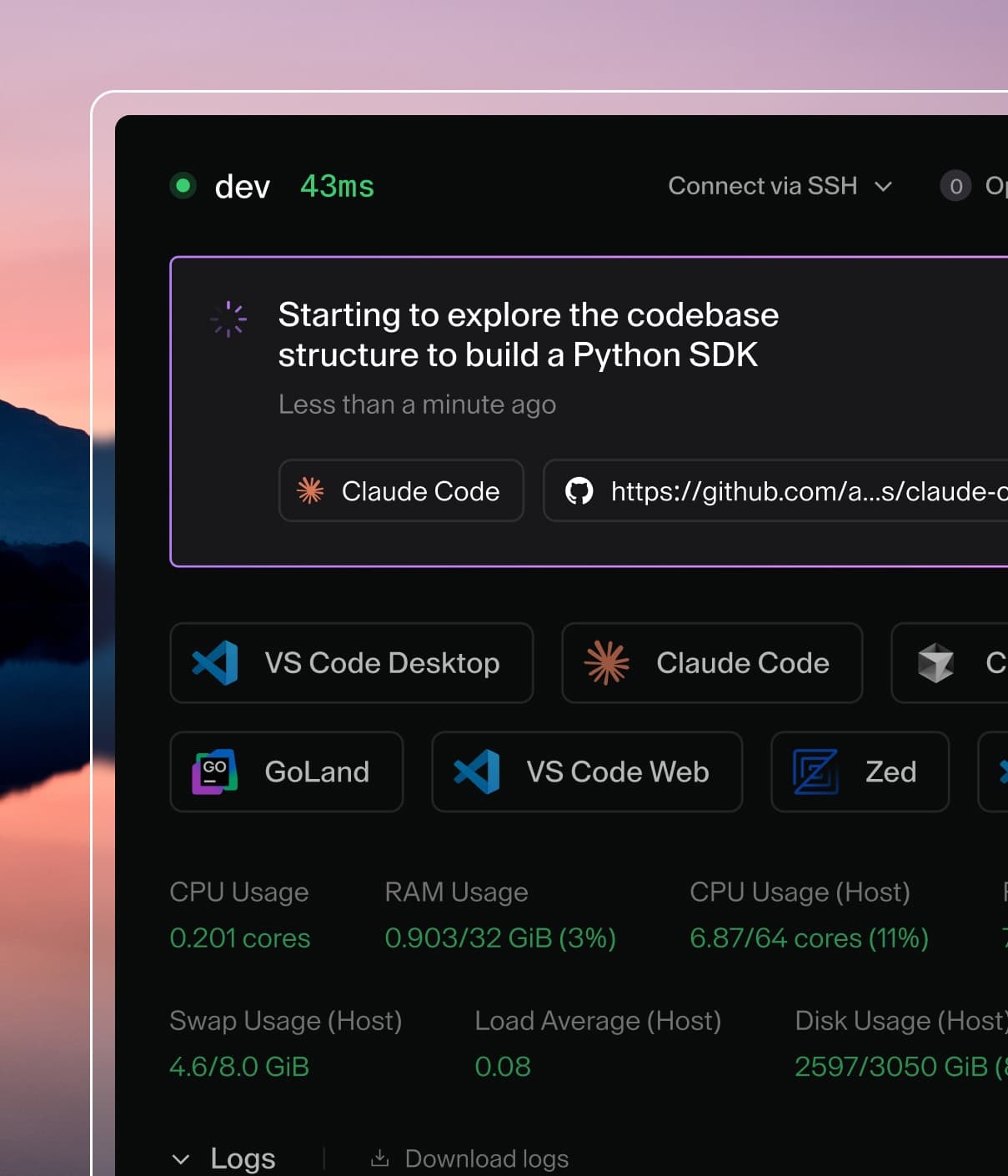
Coder powers secure, scalable development across key industries — automotive, finance, government, and technology — enabling faster builds, tighter compliance, and seamless AI adoption in enterprise-grade cloud environments.
Administrators can register external MCP servers that provide additional tools
for agent chat sessions. Configured servers are injected into or offered to
users during chat depending on the availability policy.
This is an admin-only feature accessible at AI Settings > Coder Agents > MCP servers
(/ai/settings/mcp-servers).
Add an MCP server
Navigate to AI Settings > Coder Agents > MCP servers.
Click Add.
Fill in the configuration fields described below.
Click Save.
Identity
Field
Required
Description
display_name
Yes
Human-readable name shown to users in chat.
slug
Yes
URL-safe unique identifier, auto-generated from display name.
description
No
Brief summary of what the server provides.
icon_url
No
Emoji or image URL displayed alongside the server name.
Connection
Field
Required
Description
url
Yes
The MCP server endpoint URL.
transport
Yes
Transport protocol. streamable_http or sse.
Availability
Field
Required
Description
enabled
No
Master toggle. Disabled servers are hidden from non-admin users.
When enabled, requires the model to describe each tool call's purpose in natural language, shown as a status label in the UI.
forward_coder_headers
No
When enabled, forwards Coder identity headers on every outgoing MCP request. See Coder identity headers.
Availability policies
Policy
Behavior
force_on
Always injected into every chat. Users cannot opt out.
default_on
Pre-selected in new chats. Users can opt out.
default_off
Available in the server list but users must opt in.
Authentication
Each MCP server uses one of five authentication modes. When you change the
auth type, fields from the previous type are automatically cleared.
Secrets are never returned in API responses — boolean flags indicate whether
a value is set.
None
No credentials are sent. Use this for servers that do not require
authentication.
OAuth2
Per-user authorization. The administrator configures the OAuth2 provider, and
each user independently completes the authorization flow.
Manual configuration — provide all three fields together:
Field
Description
oauth2_client_id
OAuth2 client ID.
oauth2_auth_url
Authorization endpoint URL.
oauth2_token_url
Token endpoint URL.
Optional fields:
Field
Description
oauth2_client_secret
OAuth2 client secret.
oauth2_scopes
Space-separated list of scopes.
oauth2_revocation_url
Token revocation endpoint URL (RFC 7009).
The revocation endpoint must use HTTPS.
Loopback URLs may use HTTP for local development and tests.
Auto-discovery — leave oauth2_client_id, oauth2_auth_url, and
oauth2_token_url empty. The server attempts discovery in this order:
RFC 9728 — Protected Resource Metadata
RFC 8414 — Authorization Server Metadata
RFC 7591 — Dynamic Client Registration
Auto-discovery also records the provider's revocation_endpoint from the
RFC 8414 metadata when advertised. An explicit oauth2_revocation_url in
the request takes precedence over the discovered value.
Users connect through a popup that redirects through the OAuth2 provider.
Tokens are stored per-user and refreshed automatically. Users can disconnect
via the UI or API to remove stored tokens. When a revocation endpoint is
configured, disconnecting also asks the provider to revoke the token
(RFC 7009). Provider revocation is best-effort: the stored token is always
deleted from Coder, and the disconnect response reports whether provider
revocation succeeded via token_revoked and token_revocation_error.
API key
A static key sent as a header on every request.
Field
Required
Description
api_key_header
Yes
Header name (e.g., Authorization).
api_key_value
Yes
Secret value sent in the header.
Custom headers
Arbitrary key-value header pairs sent on every request. At least one header
is required when this mode is selected.
User OIDC Identity
Forwards the calling user's OIDC access token (stored in
user_links.oauth_access_token) to the MCP server as an
Authorization: Bearer <token> header. The token is refreshed
transparently before each request if it has expired or is close to
expiring.
No admin-configurable fields. No per-user connect step.
Limitation: this auth mode only works for users who authenticated to
Coder via OIDC. Users who logged in with password or GitHub will see
requests sent without an authorization header, and the upstream MCP
server is expected to respond with 401.
Tool governance
Control which tools from a server are available in chat:
Field
Description
tool_allow_list
If non-empty, only the listed tool names are exposed. An empty list allows all tools.
tool_deny_list
Listed tool names are always blocked, even if they appear in the allow list.
Coder identity headers
MCP servers configured with forward_coder_headers = true receive the
following identity headers on every outgoing request, alongside the
auth header for the configured auth_type:
Header
Description
X-Coder-Owner-Id
Coder user who owns the chat that issued the tool call.
X-Coder-Chat-Id
Top-level (parent) chat ID. For root chats this is the chat's own ID; for subchats it is the parent chat ID.
X-Coder-Subchat-Id
Subchat ID. Only present when the request originates from a child chat.
X-Coder-Workspace-Id
Workspace associated with the chat, if any.
Coder sends the same identity headers to LLM providers, so a first-party
MCP server can correlate a tool call back to the originating chat.
Because the headers leak chat identity, the option is off by
default and should only be enabled for first-party or trusted
internal MCP servers. If the auth header for the configured
auth_type collides with one of these headers, the auth header
wins.
Permissions
Action
Required role
Create, update, or delete
Admin (deployment config)
View enabled servers
Any authenticated user
OAuth2 connect and disconnect
Any authenticated user
Non-admin users only see enabled servers. Sensitive fields such as API keys
and client secrets are redacted in API responses.