Coder powers secure, scalable development across key industries — automotive, finance, government, and technology — enabling faster builds, tighter compliance, and seamless AI adoption in enterprise-grade cloud environments.
This guide will walkthrough how to use a Google Cloud service account to
authenticate the Coder control plane to AWS and create an EC2 workspace. The
below steps assume your Coder control plane is running in Google Cloud and has
the relevant service account assigned.
For steps on assigning a service account to a resource like Coder, visit the
Google documentation.
1. Get your Google service account OAuth Client ID
Navigate to the Google Cloud console, and select IAM & Admin > Service
Accounts. View the service account you want to use, and copy the OAuth 2
Client ID value shown on the right-hand side of the row.
4. Generate the identity token for the service account
Run the following gcloud command to generate the service account identity
token. This is a JWT token with a payload that includes the service account
email, audience, issuer, and expiration.
Your gcloud client may needed elevated permissions to run this
command.
5. Set identity token in Coder control plane
You will need to set the token created in the previous step on a location in the
Coder control plane. Follow the below steps for your specific deployment type:
VM control plane
Write the token to a file on the host, preferably inside the /home/coder
directory:
/home/coder/.aws/gcp-identity-token
Kubernetes control plane
Create the Kubernetes secret to house the token value:
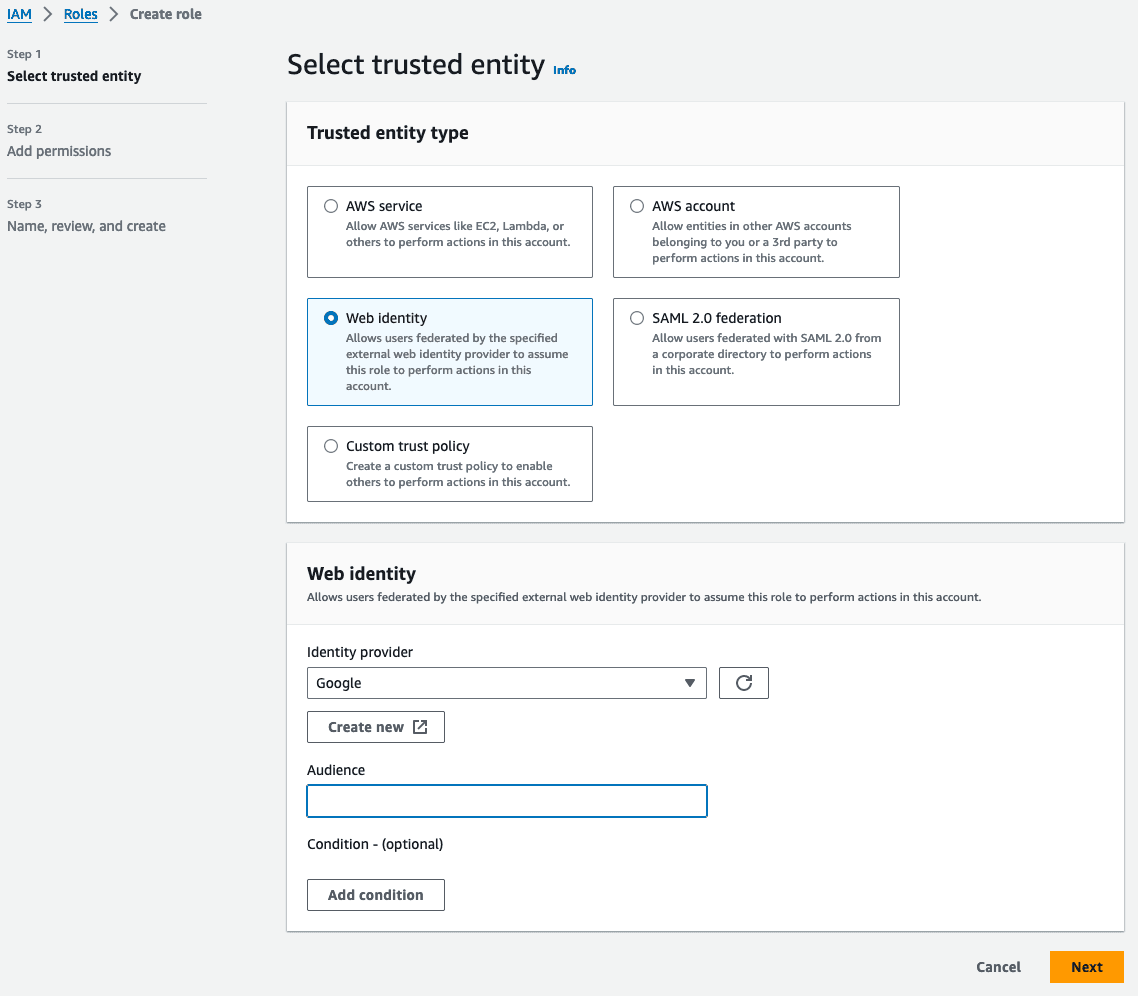
Navigate to your EC2 workspace template in Coder, and configure the AWS provider
using the block below:
provider "aws" {
  assume_role_with_web_identity {
    # enter role ARN here - copy from AWS console
    role_arn = "arn:aws:iam::123456789:role/gcp-to-aws"
    # arbitrary value for logging
    session_name = "coder-session"
    # define location of token file on control plane here
    web_identity_token_file = "/home/coder/.aws/gcp-identity-token"
  }
}
This provider block is equivalent to running this aws CLI command: