Coder powers secure, scalable development across key industries — automotive, finance, government, and technology — enabling faster builds, tighter compliance, and seamless AI adoption in enterprise-grade cloud environments.
Coder provides Extended Support Releases (ESR) bianually. This guide walks
through upgrading from the initial Coder 2.24 ESR to our new 2.29 ESR. It will
summarize key changes, highlight breaking updates, and provide a recommended
upgrade process.
Read more about the ESR release process
here, and how Coder supports it.
What's New in Coder 2.29
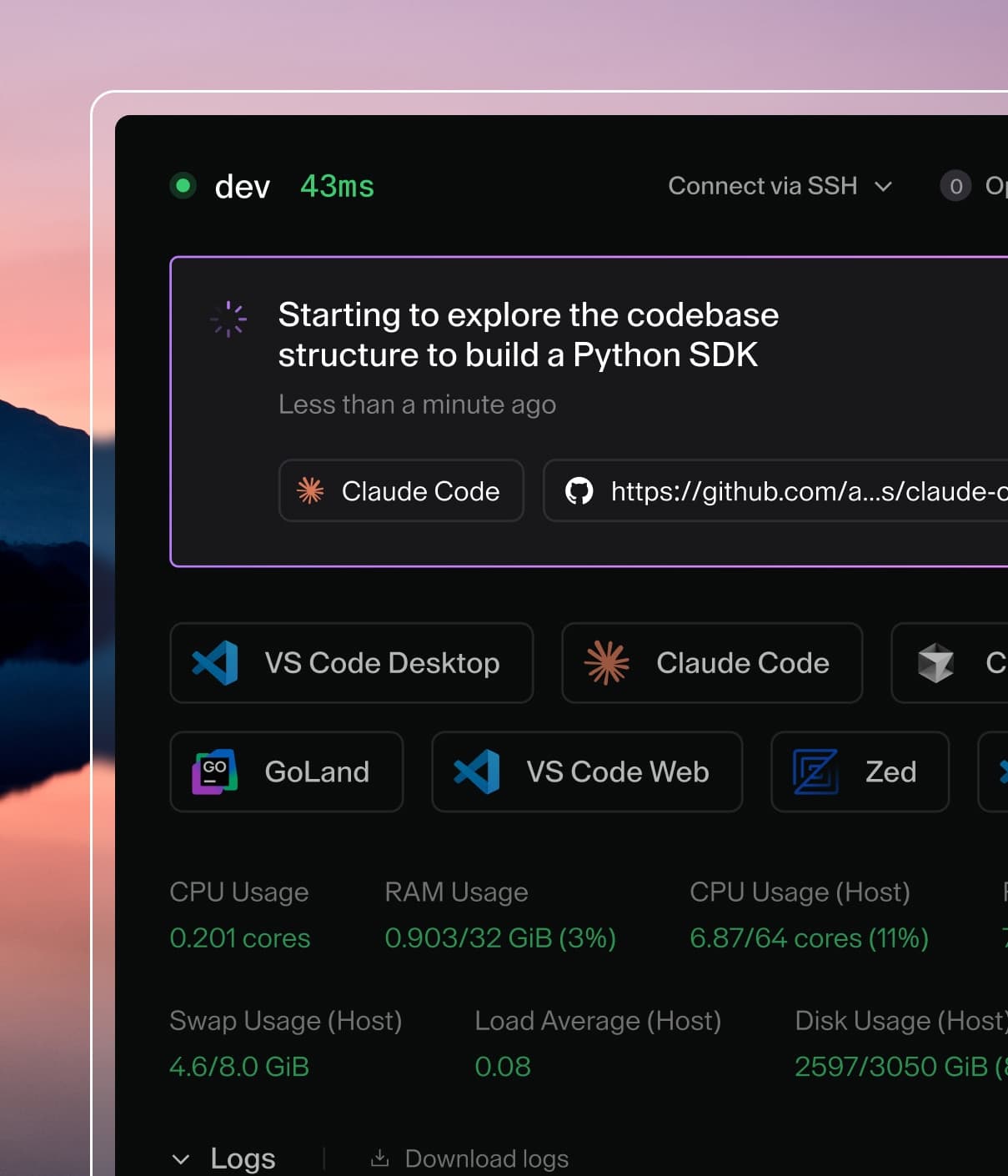
Coder Tasks
Coder Tasks is an interface for running and interfacing with terminal-based
coding agents like Claude Code and Codex, powered by Coder workspaces. Beginning
in Coder 2.24, Tasks were introduced as an experimental feature that allowed
administrators and developers to run long-lived or automated operations from
templates. Over subsequent releases, Tasks matured significantly through UI
refinement, improved reliability, and underlying task-status improvements in the
server and database layers. By 2.29, Tasks were formally promoted to general
availability, with full CLI support, a task-specific UI, and consistent
visibility of task states across the dashboard. This transition established
Tasks as a stable automation and job-execution primitive within Coder,
particularly suited for long-running background operations like bug fixes,
documentation generation, PR reviews, and testing/QA.
Note
Coder Tasks has since been deprecated and is no longer available in current
releases. Coder Agents is the long-term
replacement.
AI Gateway
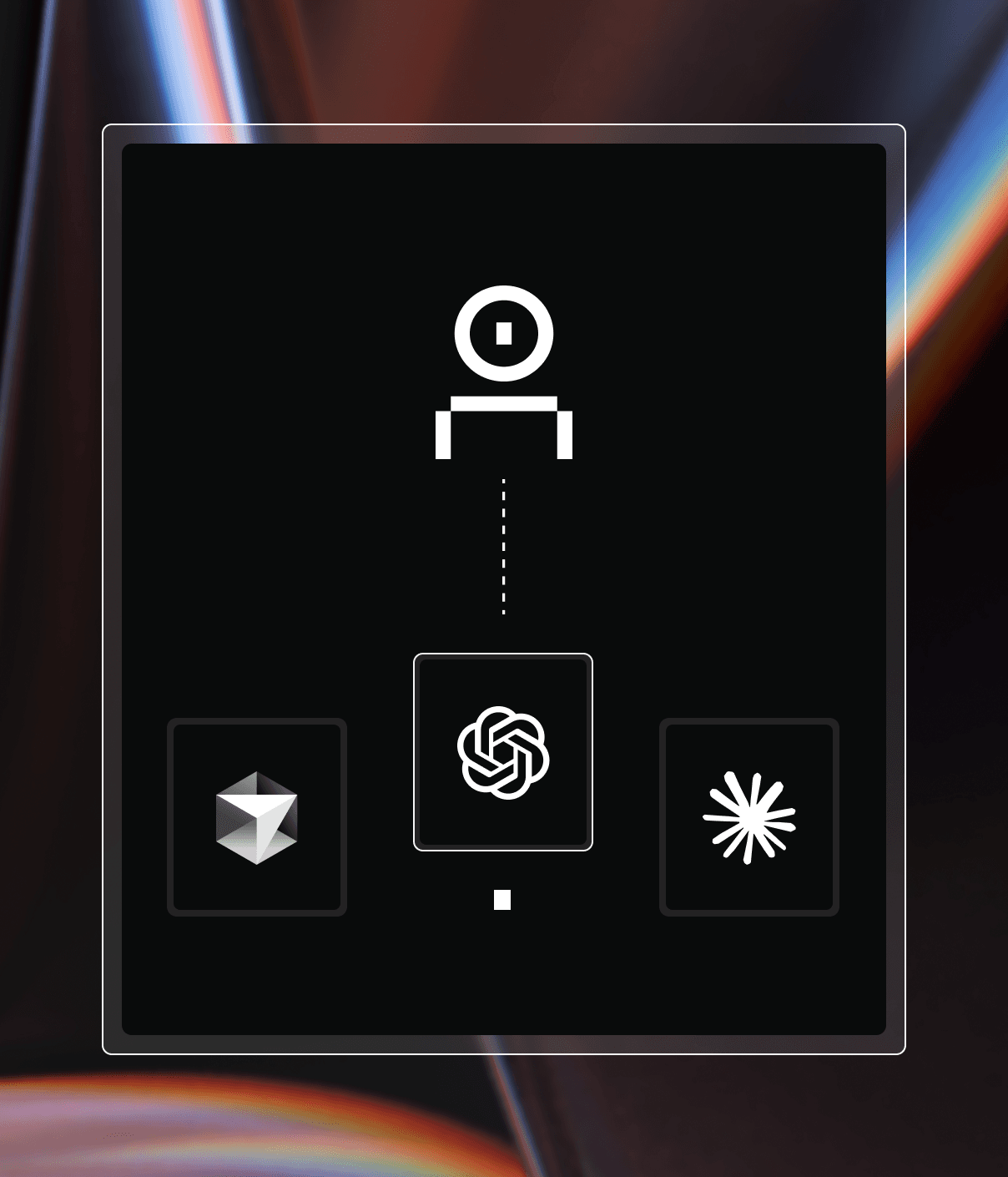
AI Gateway was introduced in 2.26, and is a smart gateway that acts as an
intermediary between users' coding agents/IDEs and AI providers like OpenAI and
Anthropic. It solves three key problems:
Centralized authentication/authorization management (users authenticate via
Coder instead of managing individual API tokens)
Auditing and attribution of all AI interactions (whether autonomous or
human-initiated)
Secure communication between the Coder control plane and upstream AI APIs
This is a Premium/Beta feature that intercepts AI traffic to record prompts,
token usage, and tool invocations. For more information, read our documentation
here.
Agent Firewall
Agent Firewall was introduced in 2.27 and is currently in Early Access. Agent
Firewall is a process-level firewall in Coder that restricts and audits what
autonomous programs (like AI agents) can access and do within a workspace. They
provide network policy enforcement—blocking specific domains and HTTP verbs to
prevent data exfiltration—and write logs to the workspace for auditability.
Agent Firewall supports any terminal-based agent, including custom ones, and can be
easily configured through existing Coder modules like the Claude Code module.
For more information, read our documentation
here.
Performance Enhancements
Performance, particularly at scale, improved across nearly every system layer.
Database queries were optimized, several new indexes were added, and expensive
migrations—such as migration 371—were reworked to complete faster on large
deployments. Caching was introduced for Terraform installer files and
workspace/agent lookups, reducing repeated calls. Notification performance
improved through more efficient connection pooling. These changes collectively
enable deployments with hundreds or thousands of workspaces to operate more
smoothly and with lower resource contention.
Server and API Updates
Core server capabilities expanded significantly across the releases. Prebuild
workflows gained timestamp-driven invalidation via last_invalidated_at, expired
API keys began being automatically purged, and new API key-scope documentation
was introduced to help administrators understand authorization boundaries. New
API endpoints were added, including the ability to modify a task prompt or look
up tasks by name. Template developers benefited from new Terraform
directory-persistence capabilities (opt-in on a per-template basis) and improved
protobuf configuration metadata.
CLI Enhancements
The CLI gained substantial improvements between the two versions. Most notably,
beginning in 2.29, Coder’s CLI now stores session tokens in the operating system
keyring by default on macOS and Windows, enhancing credential security and
reducing exposure from plaintext token storage. Users who rely on directly
accessing the token file can opt out using --use-keyring=false. The CLI also
introduced cross-platform support for keyring storage, gained support for GA
Task commands, and integrated experimental functionality for the new Agent
Socket API.
Changes to be Aware of
The following are changes introduced after 2.24.X that might break workflows, or
require other manual effort to address:
Initial State (2.24 & before)
New State (2.25-2.29)
Change Required
Workspace updates occur in place without stopping
Workspace updates now forcibly stop workspaces before updating
Expect downtime during updates; update any scripted update flows that rely on seamless updates. See coder update CLI reference.
Connection events (SSH, port-forward, browser) logged in Audit Log
Connection events moved to Connection Log; historical entries older than 90 days pruned
Update compliance, audit, or ingestion pipelines to use the new Connection Log instead of Audit Logs for connection events.
CLI session tokens stored in plaintext file
CLI session tokens stored in OS keyring (macOS/Windows)
task_app_id field available in codersdk.WorkspaceBuild
task_app_id removed from codersdk.WorkspaceBuild
Migrate integrations to use Task.WorkspaceAppID instead. See REST API reference.
OIDC session handling more permissive
Sessions expire when access tokens expire (typically 1 hour) unless refresh tokens are configured
Add offline_access to CODER_OIDC_SCOPES (e.g., openid,profile,email,offline_access); Google requires CODER_OIDC_AUTH_URL_PARAMS='{"access_type":"offline","prompt":"consent"}'. See OIDC Refresh Tokens.
Devcontainer agent selection is random when multiple agents exist
The following are recommendations by the Coder team when performing the upgrade:
Perform the upgrade in a staging environment first: The cumulative changes
between 2.24 and 2.29 introduce new subsystems and lifecycle behaviors, so
validating templates, authentication flows, and workspace operations in
staging helps avoid production issues
Audit scripts or tools that rely on the CLI token file: Since 2.29 uses
the OS keyring for session tokens on macOS and Windows, update any tooling
that reads the plaintext token file or plan to use --use-keyring=false
Review templates using devcontainers or Terraform: Explicit agent
selection, optional persistent/cached Terraform directories, and updated
metadata handling mean template authors should retest builds and startup
behavior
Check and update OIDC provider configuration: Stricter refresh-token
requirements in later releases can cause unexpected logouts or failed CLI
authentication if providers are not configured according to updated docs
Update integrations referencing deprecated API fields: Code relying on
WorkspaceBuild.task_app_id must migrate to Task.WorkspaceAppID, and any
custom integrations built against 2.24 APIs should be validated against the
new SDK
Communicate audit-logging changes to security/compliance teams: From 2.25
onward, connection events moved into the Connection Log, and older audit
entries may be pruned, which can affect SIEM pipelines or compliance workflows
Validate workspace lifecycle automation: Since updates now require
stopping the workspace first, confirm that automated update jobs, scripts, or
scheduled tasks still function correctly in this new model
Retest agent and task automation built on early experimental features:
Updates to agent readiness, permission checks, and lifecycle ordering may
affect workflows developed against 2.24’s looser behaviors
Monitor workspace, template, and Terraform build performance: New caching,
indexes, and DB optimizations may change build times; observing performance
post-upgrade helps catch regressions early
Prepare user communications around Tasks and UI changes: Tasks are now GA
and more visible in the dashboard, and many UI improvements will be new to
users coming from 2.24, so a brief internal announcement can smooth the
transition