Coder powers secure, scalable development across key industries — automotive, finance, government, and technology — enabling faster builds, tighter compliance, and seamless AI adoption in enterprise-grade cloud environments.
You create and edit Coder templates as
Terraform configuration files (.tf) and
any supporting files, like a README or configuration files for other services.
Who creates templates?
The Template Admin role (and
above) can create templates. End users, like developers, create workspaces from
them. Templates can also be managed with git, allowing
any developer to propose changes to a template.
The template builder is
the recommended way to create templates. It guides you through selecting a base
infrastructure template, adding modules (IDEs, tools, integrations), and
configuring template settings without writing Terraform.
Starter templates for common cloud providers (AWS, Azure) and orchestrators
(Kubernetes, Docker) are available as base templates within the builder. You can
modify the generated template to use your own images, VPC, cloud credentials,
and so on. Coder supports all Terraform resources and properties.
If you prefer to use Coder on the
command line, use coder templates init to
pull a starter template, then coder templates push to upload it.
Coder starter templates are also available on our
GitHub repo.
Community Templates
As well as Coder's starter templates, you can see a list of community templates
by our users
here.
Editing templates
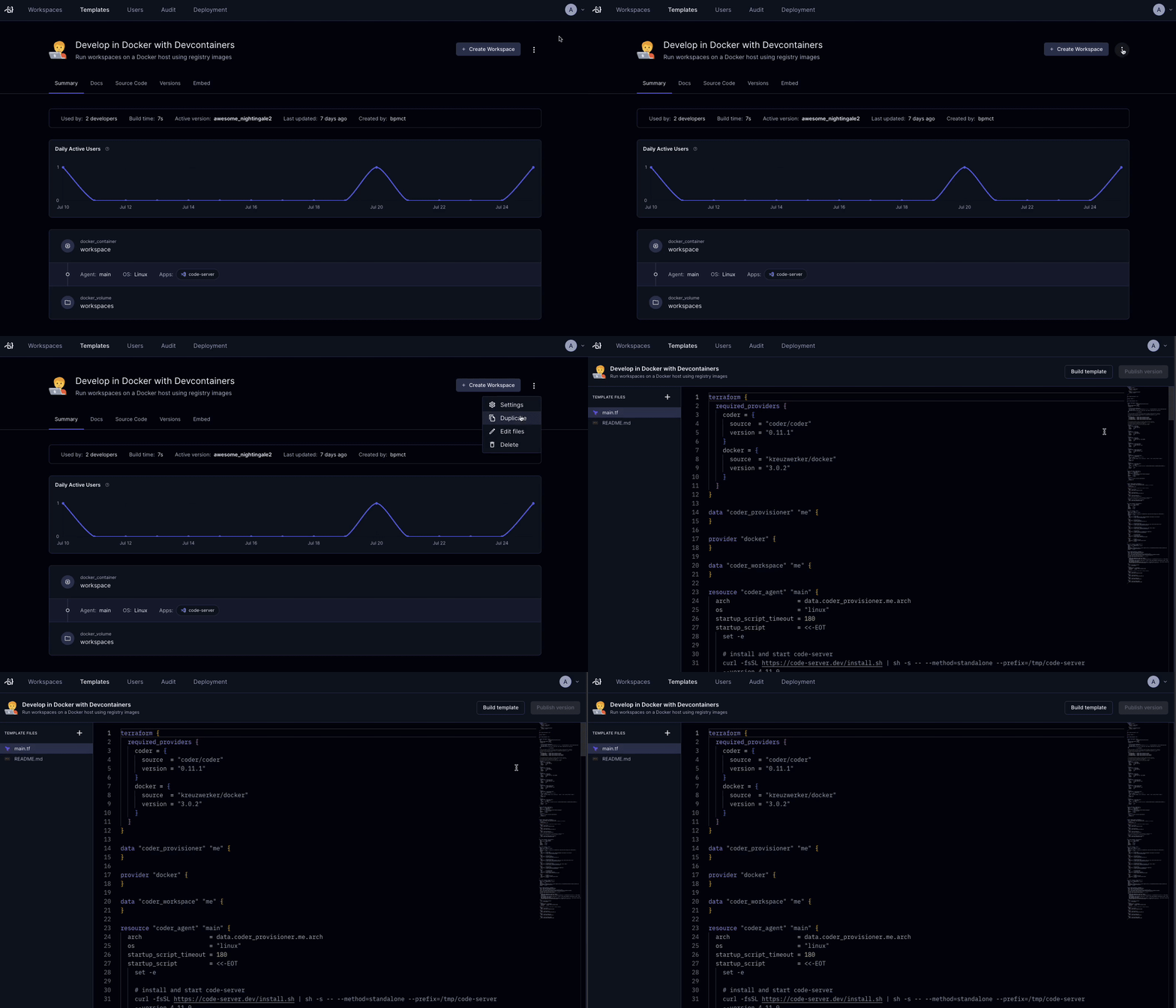
Our templates are meant to be modified for your use cases. You can edit
any template's files directly in the Coder dashboard.
If you'd prefer to use the CLI, use coder templates pull, edit the template
files, then coder templates push.
Coder tracks a template's versions, keeping all developer workspaces up-to-date.
When you publish a new version, developers are notified to get the latest
infrastructure, software, or security patches. Learn more about
change management.
Template update policies
Note
Template update policies are a Premium feature.
Learn more.
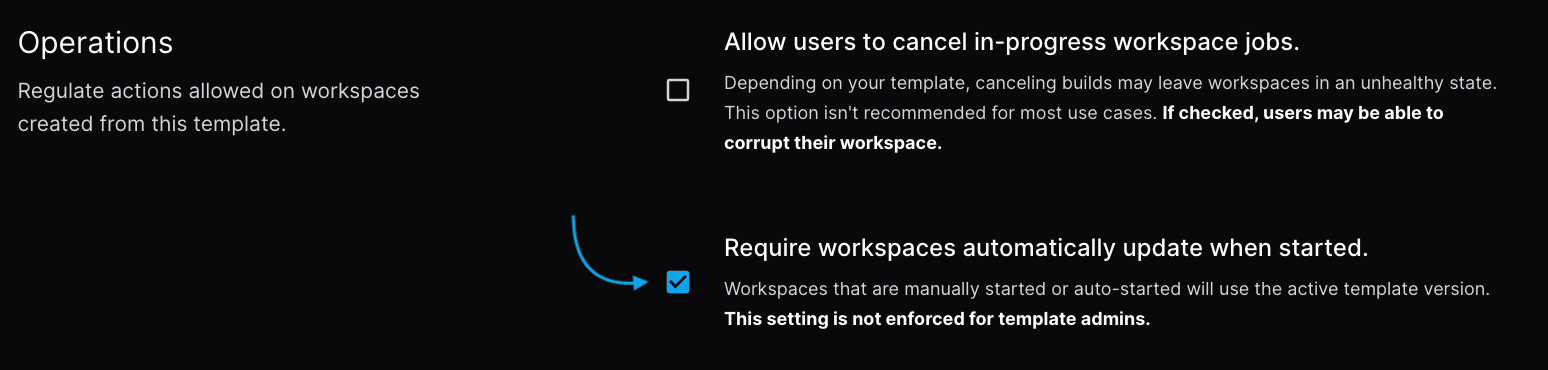
Licensed template admins may want workspaces to always remain on the latest
version of their parent template. To do so, enable Template Update Policies
in the template's general settings. All non-admin users of the template will be
forced to update their workspaces before starting them once the setting is
applied. Workspaces which leverage autostart or start-on-connect will be
automatically updated on the next startup.
Delete templates
You can delete a template using both the coder CLI and UI. Only
template admins and owners can delete a
template, and the template must not have any running workspaces associated to
it.
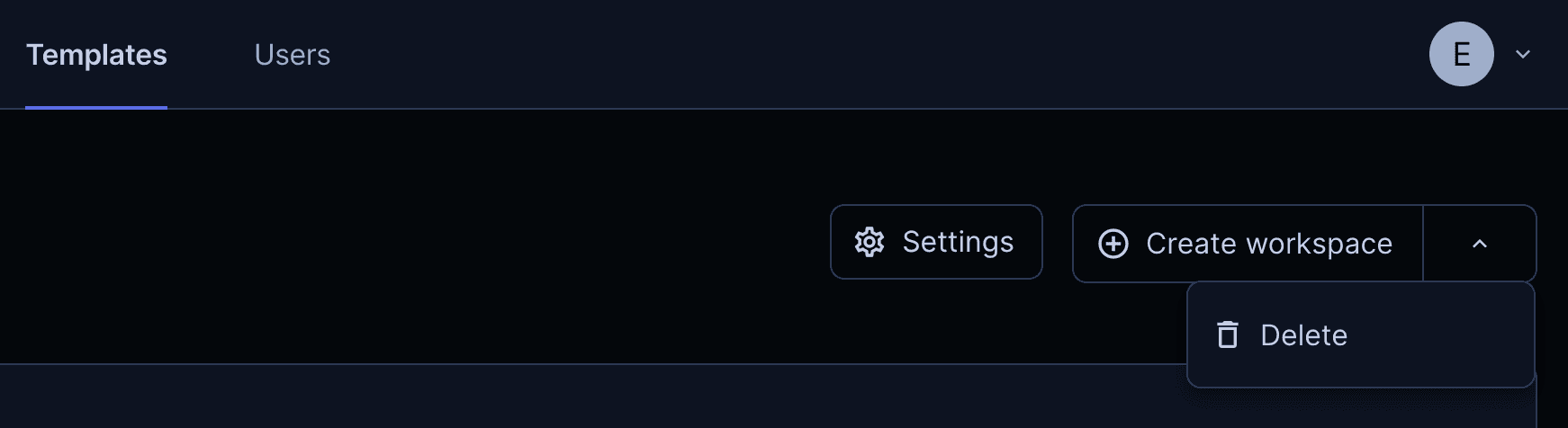
In the UI, navigate to the template you want to delete, and select the dropdown
in the right-hand corner of the page to delete the template.
Using the CLI, login to Coder and run the following command to delete a
template: