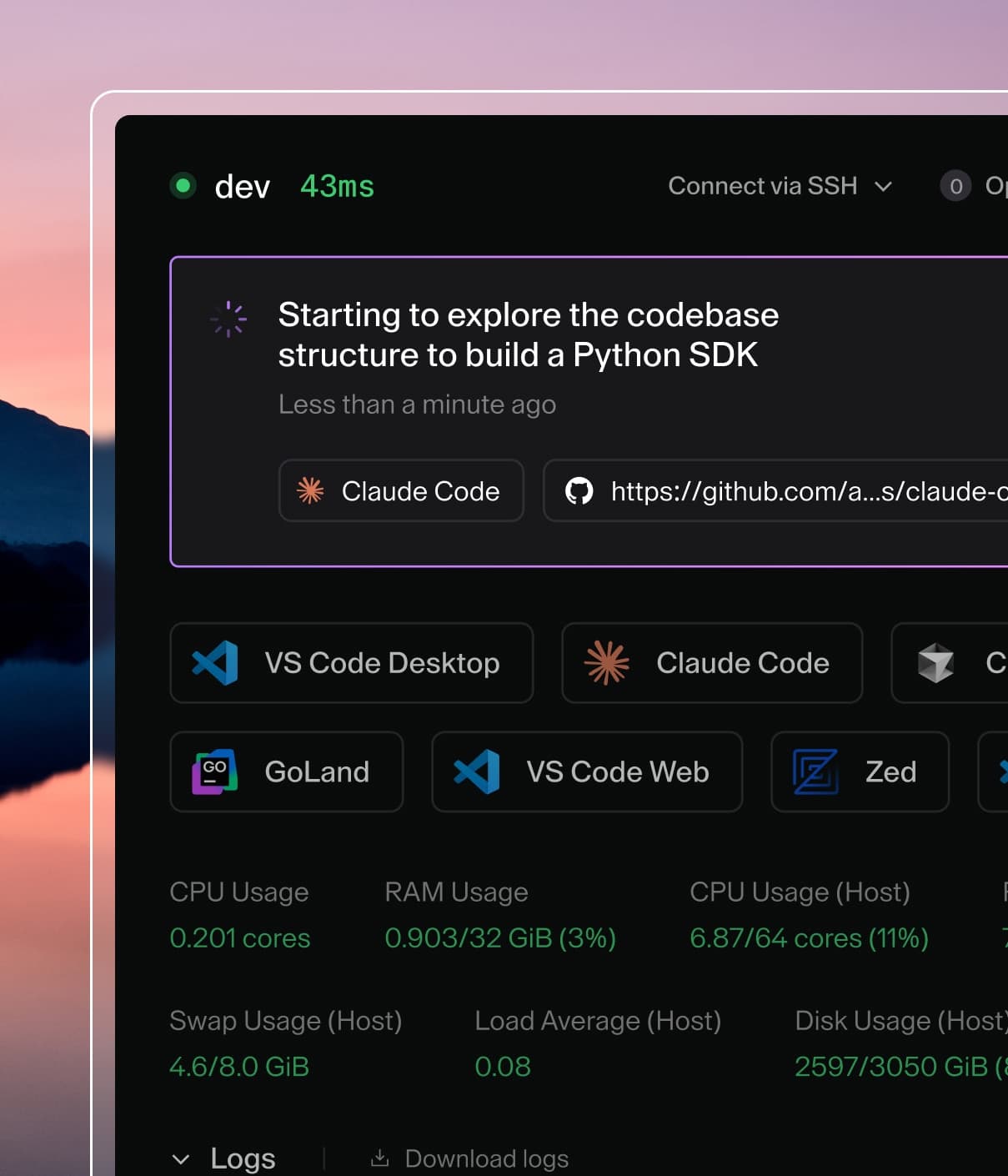
Coder powers secure, scalable development across key industries — automotive, finance, government, and technology — enabling faster builds, tighter compliance, and seamless AI adoption in enterprise-grade cloud environments.
Not every chat with Coder Agents requires a workspace.
The agent provisions one when missing tools, skills, MCP integrations, or context block progress, or when it needs to work with files or run commands.
When a workspace is needed, the agent reads the available templates, selects the appropriate one based on its name and description, and provisions a workspace automatically.
Administrators can restrict which templates the agent can use.
This guide covers best practices for creating templates that are discoverable
and useful to Coder Agents.
Restrict available templates
By default, every template allows Coder Agents.
Administrators can block individual templates from the template list or from each template's settings page.
To change which templates agents can use:
Navigate to Admin settings > AI > Coder Agents > Templates.
Toggle the switch for each template.
The same control is available on each template's settings page as Allow Coder Agents to create workspaces using this template.
When a template does not allow agents, the agent's list_templates, read_template, and create_workspace tools exclude it.
The agent cannot read the template or provision workspaces from it.
The setting only affects agent-created workspaces.
Developers can still manually create workspaces from any template to which they have access.
With this setting, platform teams can apply stricter policies to agent workloads without affecting the manual workspace experience.
Write discoverable template descriptions
The agent selects templates by reading their names and descriptions, the same metadata shown on the templates page in the Coder dashboard.
The agent's list_templates tool ranks matches by query relevance first, then by an affinity score that weights the developer's own recent template usage far more heavily than organization popularity.
It does not inspect the template's Terraform to understand what infrastructure is inside.
For the ranking details, refer to list_templates.
This means the template description is the single most important factor in
whether the agent picks the right template for a given task.
What to include
A good template description tells the agent:
What language, framework, or stack the template is for.
Which repository or service it targets, if applicable.
What type of work it supports (e.g., backend services, frontend apps, data
pipelines).
Examples
Description
Why it works
Python backend services for the payments repo. Includes Poetry, Python 3.12, and PostgreSQL
Specific language, repo, and toolchain
React frontend development for the customer portal. Node 20, pnpm, Storybook pre-installed
Clear stack, named project, key tools listed
General-purpose Go development environment with Go 1.23, Docker, and common CLI tools
Broad but descriptive — the agent can match it to Go-related tasks
Java microservices for the order-processing pipeline. Maven, JDK 21, Kafka client libraries
Names the service domain and build tool
Description
Why it fails
Team A template v2
No information about what the template is for
Dev environment
Too generic — the agent cannot distinguish this from any other template
k8s-prod-2024
Internal shorthand that carries no meaning for the agent
Default
Tells the agent nothing
Tip
If many developers already use a template, the agent is more likely to select it, because organization popularity contributes to the affinity score that orders the shortlist.
A well-written description on a popular template is the strongest routing signal you can provide.
Template display names
Display names appear in the template selector and in the agent's tool output.
Use readable, descriptive names rather than slugs or internal codes. A display
name like "Python Backend (Payments)" is more useful to both humans and the
agent than py-be-pay-v3.
Put routing context near the top of the README
The short description also appears on the dashboard templates page, so it is
intentionally limited to fewer than 128 characters. When that is not enough
room to fully describe a template for the agent, put the most important routing
context at the top of the template's README.md body, immediately after any
frontmatter block.
The chat agent's template listing includes a bounded README excerpt (roughly the
first 1,000 characters), and template detail includes the README (up to roughly
8,000 characters). Both are reduced to plain text: frontmatter is stripped,
link text is kept while link URLs are dropped, images and badges are dropped
entirely, and code blocks and tables are preserved as text. Use the opening
section to explain when to choose this template, what it is not for, and the
specific stack or services it provides.
---
display_name: Kubernetes (Deployment)
description: Provision Kubernetes Deployments as Coder workspaces
tags: [kubernetes, container]
---

# Kubernetes Deployment

Kubernetes Deployment workspaces are for container-native development on an
existing cluster. Use this template when the work should run as a pod with
cluster access and configurable CPU, memory, and persistent storage. It is not
intended for standalone VM or local Docker workflows.
The README is stored with the template version when you run
coder templates push, so updating it is part of your normal template
workflow. The short description still drives the initial template listing, so
keep it accurate and specific as well.
Create dedicated agent templates
Rather than reusing your standard interactive developer templates for agent
workloads, consider creating dedicated templates with configurations
appropriate for unattended, agent-driven work.
Agent templates differ from developer templates in several ways:
No IDE tooling needed. The agent connects via the workspace daemon's HTTP
API, not through VS Code or JetBrains. You can omit IDE-specific
configuration, extensions, and desktop tools.
Stricter network policies. Agent workspaces typically need access to only
the control plane and your git provider. You can apply tighter egress rules
than you would for a developer who needs to browse documentation or access
additional services.
Reduced permissions. Agent workspaces can use scoped credentials with
fewer permissions than a developer's interactive session.
See Creating templates for
step-by-step instructions on creating templates via the UI, CLI, or CI/CD.
Configure network boundaries
The workspace is the network boundary for the agent. If you want to control
what the agent can access, control what the workspace can access.
This is a deliberate architectural advantage of running the agent loop in the
control plane. Because all AI functionality — LLM inference, tool dispatch,
chat state — lives in the control plane, agent workspaces do not need outbound
access to any LLM provider. The workspace only needs to reach:
The Coder control plane — required for the workspace daemon to function.
Your git provider — required for push and pull operations.
Everything else can be blocked at the network level.
Why network boundaries are more effective than process-level controls
Traditional approaches to restricting agent behavior — such as blocking
specific commands at the process level — are difficult to enforce reliably. An
agent executing arbitrary shell commands can find alternative paths to achieve
the same result (aliasing commands, writing scripts, using different tools).
Network-level boundaries are more robust because they operate below the process
layer. If the workspace cannot reach an external service, it does not matter
what command the agent runs — the connection simply fails. This provides a
firmer security guarantee than trying to restrict individual process behaviors.
See Architecture
for more detail on the security model.
Scope permissions and credentials
Warning
By default, agent workspaces inherit the same network access and
permissions as any workspace the user creates manually. If your templates
do not explicitly restrict outbound network access, the agent has full
internet access from the workspace. Review the guidance below and in
Configure network boundaries to lock
down agent workloads appropriately.
The agent operates with the same identity and permissions as the user who
submitted the prompt. There is no privilege escalation — if a developer cannot
access a resource through the Coder dashboard, the agent cannot access it
either.
External service credentials
When agent workspaces need access to external services (git providers, package
registries, artifact stores), configure credentials with the minimum scope
required:
Use separate tokens for agent templates. Rather than sharing the same
broad-scope token used by developer workspaces, create a dedicated token with
only the permissions the agent needs (e.g., read/write access to specific
repositories, no admin access).
Configure external auth at the template level. Use Coder's
external authentication to provide scoped
git credentials. The agent uses the same external auth flow as any other
workspace, so credentials are managed centrally.
Avoid injecting long-lived secrets. Prefer short-lived tokens or
credential helpers over static API keys baked into the template image.
Git identity
Every git operation the agent performs — commits, pushes, pull requests — is
attributed to the user who submitted the prompt. This happens through the
existing git authentication configured in your Coder deployment. There is no
shared bot account.
Ensure your templates configure git with the appropriate author information so
that commits are properly attributed. The agent does not override git
configuration — it uses whatever is set in the workspace environment.
Design template parameters for automation
The agent can read template parameters — including their names, descriptions,
and defaults — and fill them in when creating a workspace. Well-designed
parameters help the agent provision the right infrastructure without human
intervention.
Keep parameters simple
Use sensible defaults. The agent performs best when most parameters have
reasonable defaults and only a few require explicit selection. A template
with ten required parameters and no defaults forces the agent to guess.
Minimize required parameters. If a parameter is not essential for the
agent's use case, give it a default value or make it optional.
Write descriptive parameter metadata
The agent reads display_name and description fields to understand what a
parameter controls. Treat these the same way you treat template descriptions —
be specific and use natural language.
data "coder_parameter" "region" {
  name         = "region"
  display_name = "Deployment Region"
  type         = "string"
  description  = "AWS region for the workspace. Use us-east-1 for the payments service or eu-west-1 for GDPR-regulated workloads."
  default      = "us-east-1"
}
A description like "AWS region" is less useful to the agent than one that
explains when to use each option.
Avoid opaque identifiers
Parameters with values like ami-0abcdef1234567890 or subnet-12345 are
difficult for the agent to reason about. Where possible, use human-readable
option labels or map opaque IDs to descriptive names using Terraform locals.
For full parameter reference — including types, validation, mutability, and
workspace presets — see
Parameters.
Dynamic parameters
add conditional form controls and identity-aware defaults for more advanced
use cases.
Pre-install tools and dependencies
Agent workspaces should be ready to work immediately after provisioning. The
agent does not know how to install your organization's specific toolchain, and
time spent installing dependencies is time not spent on the task.
What to pre-install
Language runtimes and build tools for the target stack (e.g., Go, Node,
Python, Maven).
Common CLI tools the agent is likely to use: git, curl, jq, make,
docker (if applicable).
Project-specific dependencies. If the template targets a specific
repository, consider pre-installing the project's dependencies or running the
setup script as part of workspace startup.
Git configuration. Ensure git is configured with credentials and author
information so the agent can commit and push without additional setup.
For guidance on building and maintaining workspace images, see
Image management.
Set a meaningful working directory
If the template targets a specific repository, pre-clone it and set the
working directory so the agent starts in the right place:
resource "coder_agent" "main" {
  os   = "linux"
  arch = "amd64"
  dir  = "/home/coder/payments-service"
}
This avoids a round trip where the agent needs to figure out where the code
lives before it can begin working.
Use prebuilt workspaces to reduce provisioning time
Workspace provisioning is the primary source of latency when the agent begins a
task. Templates with complex infrastructure, large images, or lengthy startup
scripts can take minutes to provision — time where the developer is waiting
and the agent is idle.
Prebuilt workspaces
eliminate this delay by maintaining a pool of ready-to-use workspaces for
specific parameter presets. When the agent creates a workspace that matches a
preset, Coder assigns an already-running prebuilt workspace instead of
provisioning from scratch. The agent can begin working immediately.
Checklist
Use this as a quick reference when creating or updating templates for Coder
Agents:
Template has a specific, natural-language description that includes
language, framework, and target project or service.
README opening section provides longer routing context when the short
description is not enough.
Display name is readable and descriptive.
Network egress is restricted to the control plane and git provider.
External service credentials use minimal-scope tokens.
Template parameters have sensible defaults and descriptive metadata.
Language runtimes, build tools, and git are pre-installed.
Prebuilt workspaces are configured for high-traffic presets (Premium).
Working directory is set to the target repository (if applicable).