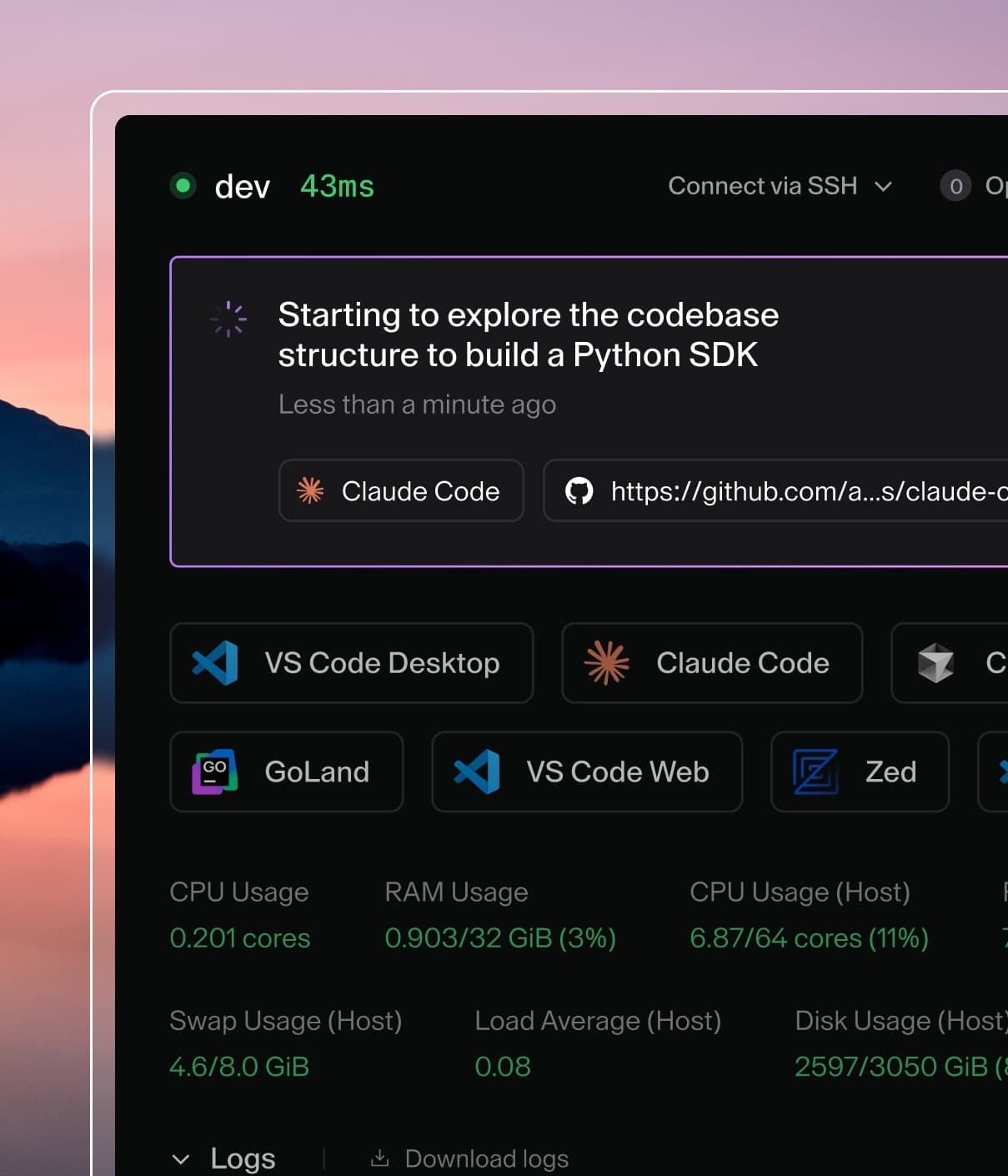
Coder powers secure, scalable development across key industries — automotive, finance, government, and technology — enabling faster builds, tighter compliance, and seamless AI adoption in enterprise-grade cloud environments.
Coder Agents automatically cleans up old chat debug data to manage database
growth. Debug data includes persisted debug runs and their associated debug
steps.
This setting is independent from conversation data retention,
which only purges archived conversations and orphaned files.
How it works
A background process removes debug runs older than the configured retention
period. When a debug run is deleted, its debug steps are deleted via cascade.
The retention clock uses the debug run's updated_at value, which reflects the
last write to the debug run. It does not use the chat archive time. If a debug
run remains in progress for an unusually long period, such as after broken
finalization, it can still be purged once its updated_at value is older than
the cutoff.
Configuration
Navigate to Admin settings > AI > Coder Agents > Lifecycle to configure chat debug data retention.
The default is 30 days.
Set the value to 0 to disable debug data retention entirely.
The maximum value is 3650 days.
Use the admin API to read or update the value:
GET  /api/v2/chats/config/debug-retention-days
PUT  /api/v2/chats/config/debug-retention-days
Interaction with conversation retention
Conversation retention and debug data retention are orthogonal controls:
Control
What it deletes
Default
Conversation retention
Archived conversations and orphaned files
30 days
Debug data retention
Debug runs and debug steps, based on debug run updated_at
30 days
Deleting a chat still deletes its debug data immediately via cascade, regardless
of the debug retention window. Unarchiving a chat does not restore debug data
that was already purged.