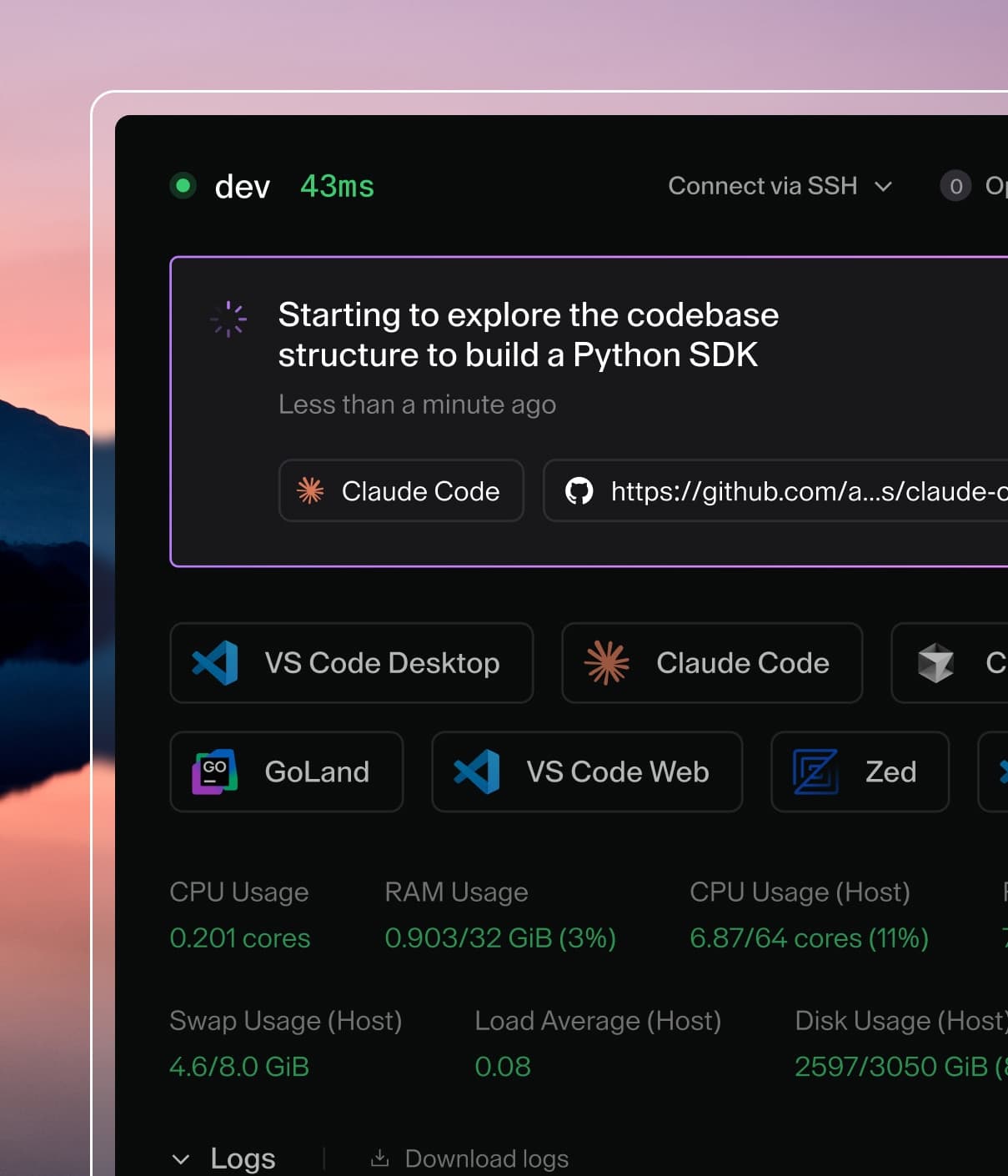
Coder powers secure, scalable development across key industries — automotive, finance, government, and technology — enabling faster builds, tighter compliance, and seamless AI adoption in enterprise-grade cloud environments.
Coder controls agent spend with AI Gateway budgets, and surfaces the resulting spend to both admins and users.
Budgets
Coder Agents spend is controlled by AI Gateway budgets, which cap all AI Gateway usage (including Coder Agents chats) per user over the budget period.
Group budgets: set a budget for a group from the group's settings page.
The deployment budget policy resolves which group budget applies when a user belongs to multiple budgeted groups, which defaults to the group with the highest budget.
Per-user overrides: set a custom budget for an individual user, attributed to one of their groups.
Per-user overrides take priority over group budgets.
The deployment flags --ai-budget-policy and --ai-budget-period currently
support only highest and month. highest selects the group with the
largest spend limit, and month resets spend at the start of each UTC
calendar month. A user who belongs to no budgeted group falls back to the
Everyone group, which has no budget unless one is set for it. There is no
deployment-wide budget amount, and a configured spend limit cannot exceed
$1,000,000 per member per period.
Important
Budget controls in the Coder UI, the group budget endpoints (/api/v2/groups/{group}/ai/budget), and the AI spend status and reporting endpoints all require the AI Gateway entitlement.
No experiment is needed.
Native chat usage limits and native cost tracking are removed from the application.
Existing native limit values are not migrated to AI Gateway budgets and are no longer enforced.
Configured per-model prices and historical native cost totals are also not migrated to AI Gateway.
Before upgrading, record any per-model prices you need from Admin settings > AI > Models.
The old cost endpoints default start_date to 30 days before the request and end_date to the request time, so choose explicit RFC 3339 UTC values that cover all history you need.
Fetch /api/v2/chats/cost/users?start_date=<start>&end_date=<end>&limit=100&offset=0 and save the response.
After each page, stop when offset + users.length >= count; otherwise, increase offset by 100 and fetch the next page.
For every users[].user_id across those pages, save /api/v2/chats/cost/{user_id}/summary?start_date=<start>&end_date=<end> with the same dates.
Each summary contains the user's totals plus by_model and by_chat breakdowns.
After upgrading, the native Spend page, per-model pricing fields, and aggregate cost endpoints are unavailable.
Historical chat_messages.total_cost_micros values remain in the database temporarily for rolling upgrade compatibility, but AI Gateway reports do not include or reconstruct them.
Configure AI Gateway budgets separately.
The API reference documents how to get, upsert, and delete a group budget.
Enforcement
The AI Gateway checks the user's current spend before forwarding each request.
When spend meets or exceeds the budget, the request is rejected and the chat shows a terminal error explaining that the budget was exceeded.
Brief overage is possible when concurrent requests are in flight, because cost is recorded after the LLM responds.
User-facing status
The usage indicator on the Agents page and the summary in the user menu both show the signed-in user's current AI spend, their budget, and the period reset date.
Both appear only when the deployment has the AI Gateway entitlement.
Spend details
Spend is shown where it is actionable:
Agents page and user menu: the signed-in user's spend against their budget, as described previously.
Group settings: each member's spend against the group's budget, for admins who can manage the group.
Chat summary panel: the cost of one chat tree, on a chat's Summary tab.
A subagent reports the total for its whole tree, including the chat that started it.
The AI Gateway sessions views show per-request token usage, which is the input to those costs rather than the costs themselves.
AI Gateway data is subject to its own retention period, 60 days by default, which is configured independently of chat retention.
Spend for requests older than that period is no longer reported, so a chat for which gateway records have been pruned reports no cost.