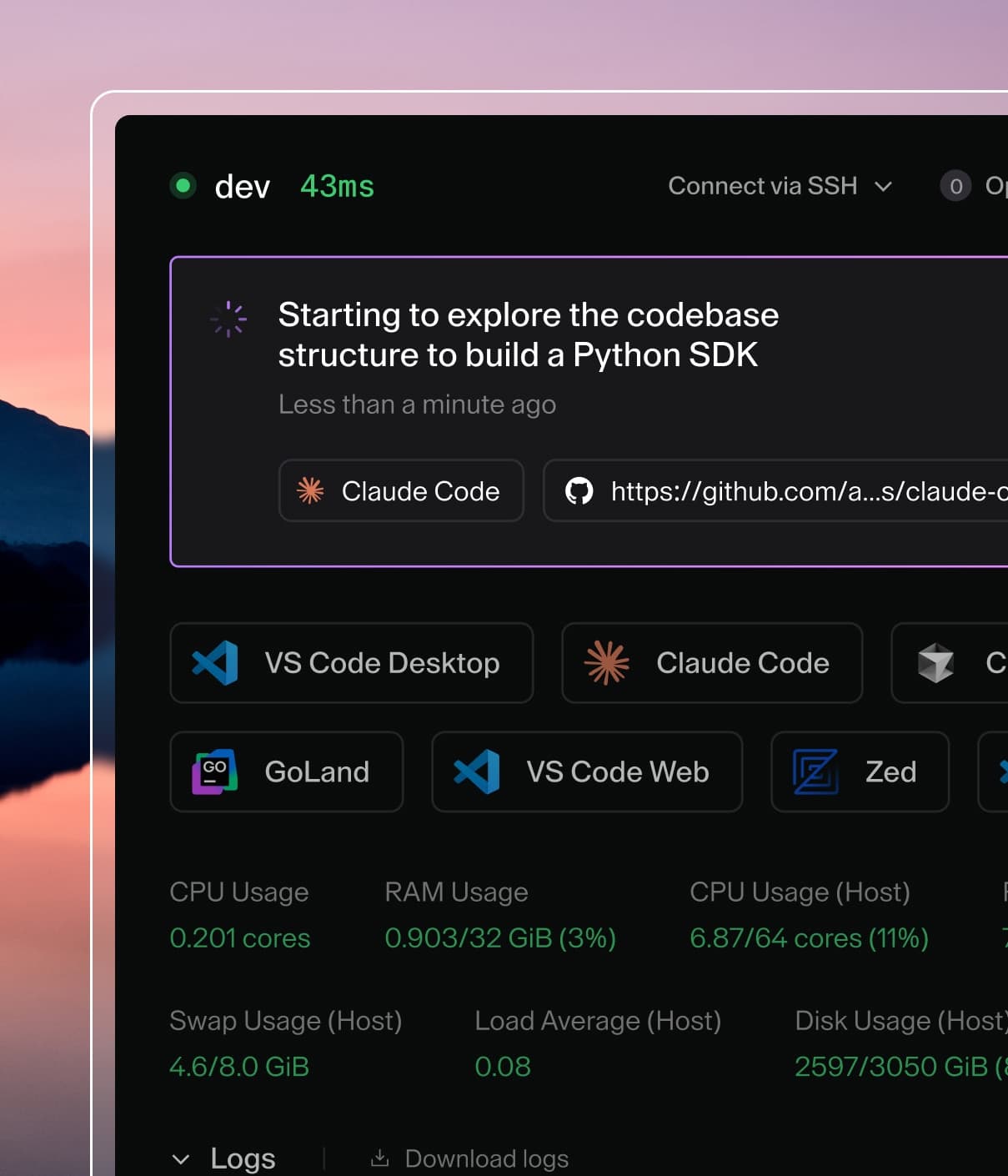
Coder powers secure, scalable development across key industries — automotive, finance, government, and technology — enabling faster builds, tighter compliance, and seamless AI adoption in enterprise-grade cloud environments.
Coder Agents leverages your existing
external authentication configuration
to power the in-chat diff viewer.
Self-hosted GitHub Enterprise deployments require one additional setting
(API_BASE_URL) for this feature to work.
GitHub Enterprise configuration
For public github.com, no additional configuration is needed.
Without API_BASE_URL, Coder defaults to https://api.github.com. Clone
and push still work (they use AUTH_URL and TOKEN_URL directly), but
the diff viewer silently fails because Coder builds its URL-matching
patterns from the API base URL.
Note
If you have both a github.com and a GHE external auth config, only the
GHE config needs API_BASE_URL.
GitLab configuration
For gitlab.com, no additional API_BASE_URL is needed. Coder
automatically derives it from your AUTH_URL for self-hosted instances.
Required scopes
The default GitLab scopes (read_user) are sufficient for basic
authentication. To use merge request features (diffs, status checks) with
Coder Agents, configure:
The read_api scope grants read access to the API (needed for fetching
merge request metadata and diffs). The write_repository scope allows
pushing commits and creating merge requests.
Self-hosted GitLab
For self-hosted GitLab, set AUTH_URL and TOKEN_URL to your instance.
Coder derives API_BASE_URL automatically from AUTH_URL:
You may also set API_BASE_URL explicitly if needed (e.g.,
https://gitlab.example.com/api/v4), but this is usually unnecessary.
Known limitations
GitLab
The GitLab provider has some semantic differences compared to the GitHub
provider:
Approved uses GitLab's threshold-based approval (e.g., "all required
approvals met") rather than GitHub's "at least one approval and no changes
requested" model.
Changes requested has no GitLab equivalent. This field is always
reported as false.
Reviewer count only counts users who have approved, not all assigned
reviewers.
These gaps are tracked internally and may be refined in future releases.
Troubleshooting
Diffs not appearing on GHE
Add API_BASE_URL to your GHE external auth config and restart Coder.
Diffs should appear within a couple of minutes.
Users not seeing diffs
The chat owner must have linked their account through the relevant external
auth provider.
Check logs
Look for gitsync warnings such as no provider for origin or
resolve token errors.