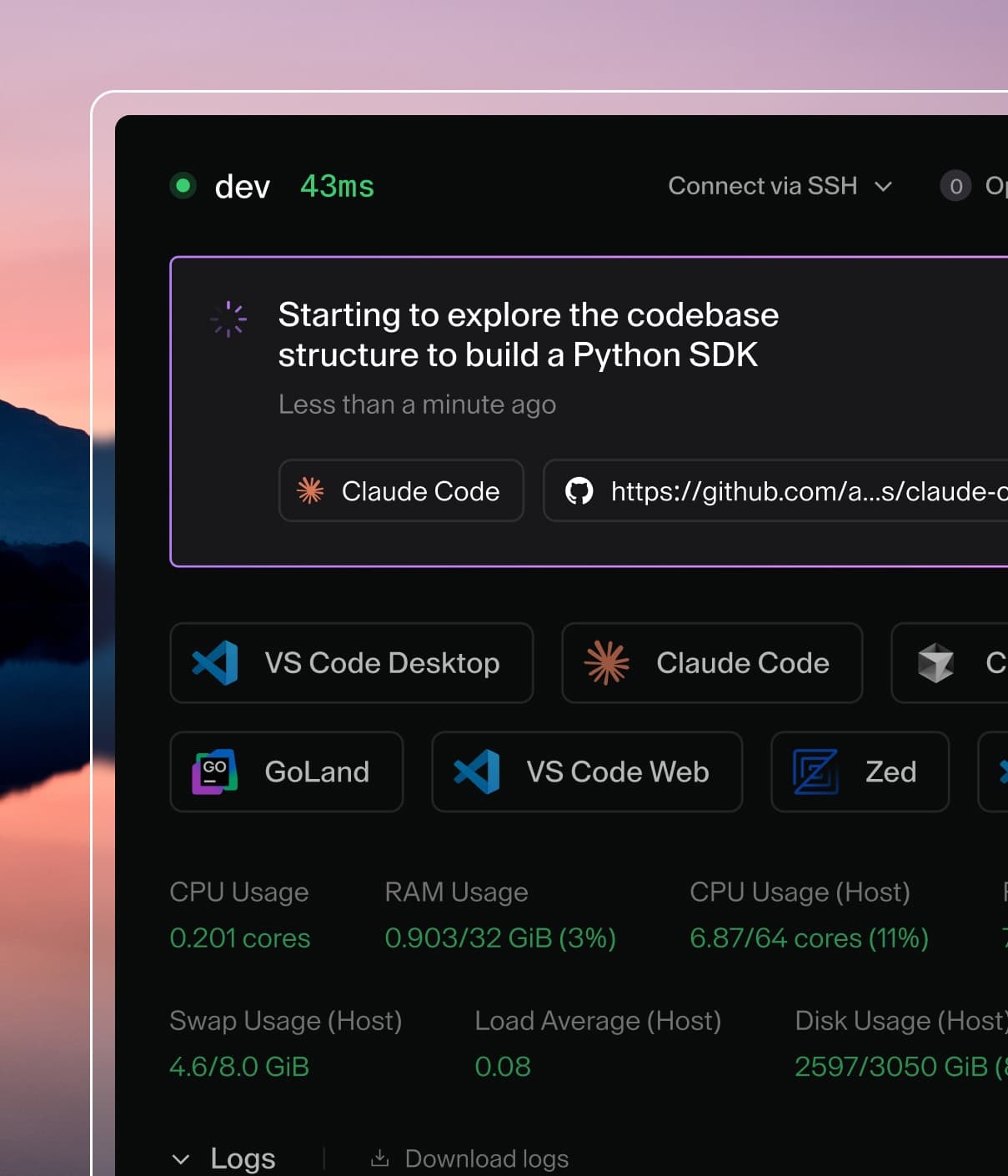
Coder powers secure, scalable development across key industries — automotive, finance, government, and technology — enabling faster builds, tighter compliance, and seamless AI adoption in enterprise-grade cloud environments.
In Coder, web IDEs are defined as
coder_app
resources in the template. With our generic model, any web application can be
used as a Coder application. For example:
# Add button to open Portainer in the workspace dashboard
# Note: Portainer must be already running in the workspace
resource "coder_app" "portainer" {
  agent_id      = coder_agent.main.id
  slug          = "portainer"
  display_name  = "Portainer"
  icon          = "https://simpleicons.org/icons/portainer.svg"
  url           = "https://localhost:9443/api/status"

  healthcheck {
    url       = "https://localhost:9443/api/status"
    interval  = 6
    threshold = 10
  }
}
code-server
code-server is our supported method of running
VS Code in the web browser. A simple way to install code-server in Linux/macOS
workspaces is via the Coder agent in your template:
# edit your template
cd your-template/
vim main.tf
resource "coder_agent" "main" {
    arch           = "amd64"
    os             = "linux"
    startup_script = <<EOF
    #!/bin/sh
    # install code-server
    # add '-s -- --version x.x.x' to install a specific code-server version
    curl -fsSL https://code-server.dev/install.sh | sh -s -- --method=standalone --prefix=/tmp/code-server

    # start code-server on a specific port
    # authn is off since the user already authn-ed into the coder deployment
    # & is used to run the process in the background
    /tmp/code-server/bin/code-server --auth none --port 13337 &
    EOF
}
For advanced use, we recommend installing code-server in your VM snapshot or
container image. Here's a Dockerfile which leverages some special
code-server features:
FROM codercom/enterprise-base:ubuntu

# install the latest version
USER root
RUN curl -fsSL https://code-server.dev/install.sh | sh
USER coder

# pre-install VS Code extensions
RUN code-server --install-extension eamodio.gitlens

# directly start code-server with the agent's startup_script (see above),
# or use a process manager like supervisord
You'll also need to specify a coder_app resource related to the agent. This is
how code-server is displayed on the workspace page.
Install and start in your startup_script and create a corresponding
coder_app
resource "coder_agent" "main" {
    arch           = "amd64"
    os             = "linux"
    startup_script = <<EOF
    #!/bin/sh
    # install VS Code
    curl -Lk 'https://code.visualstudio.com/sha/download?build=stable&os=cli-alpine-x64' --output vscode_cli.tar.gz
    mkdir -p /tmp/vscode-cli
    tar -xf vscode_cli.tar.gz -C /tmp/vscode-cli
    rm vscode_cli.tar.gz
    # start the web server on a specific port
    /tmp/vscode-cli/code serve-web --port 13338 --without-connection-token  --accept-server-license-terms >/tmp/vscode-web.log 2>&1 &
    EOF
}
code serve-web was introduced in version 1.82.0 (August 2023).
You also need to add a coder_app resource for this.
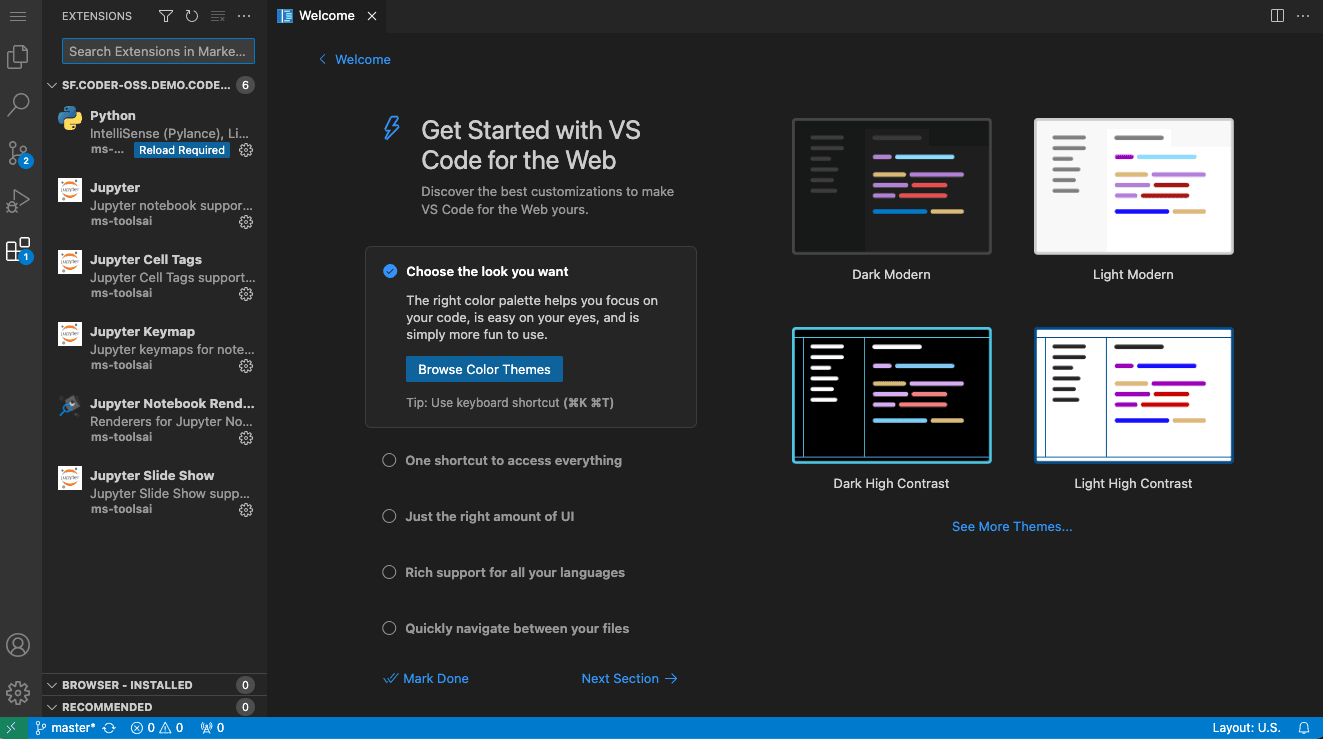
# VS Code Web
resource "coder_app" "vscode-web" {
  agent_id     = coder_agent.coder.id
  slug         = "vscode-web"
  display_name = "VS Code Web"
  icon         = "/icon/code.svg"
  url          = "http://localhost:13338?folder=/home/coder"
  subdomain    = true  # Subdomain is recommended for best compatibility. Subpath mode now works via --server-base-path (added in VS Code 1.88, March 2024)
  share        = "owner"
}
Jupyter Notebook
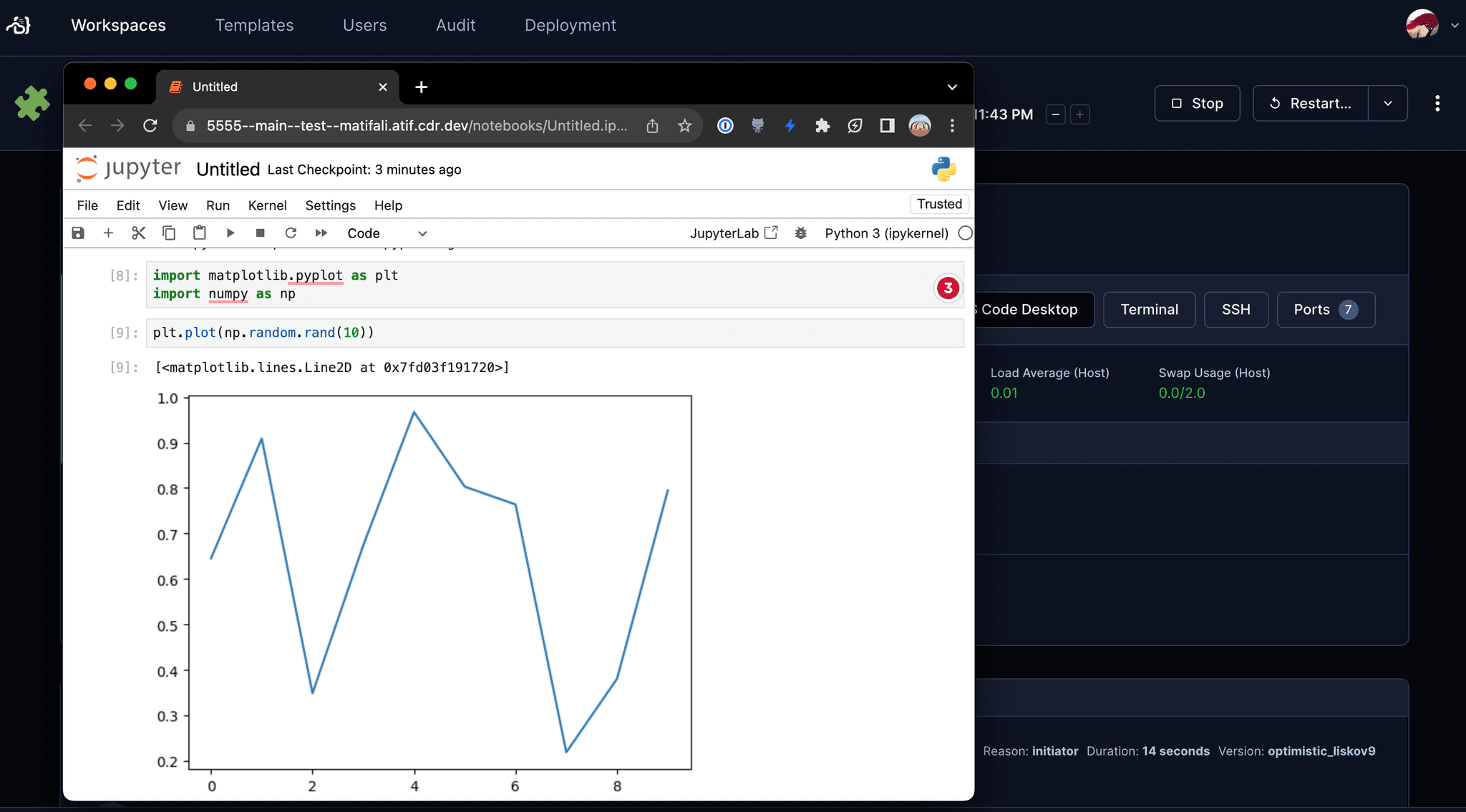
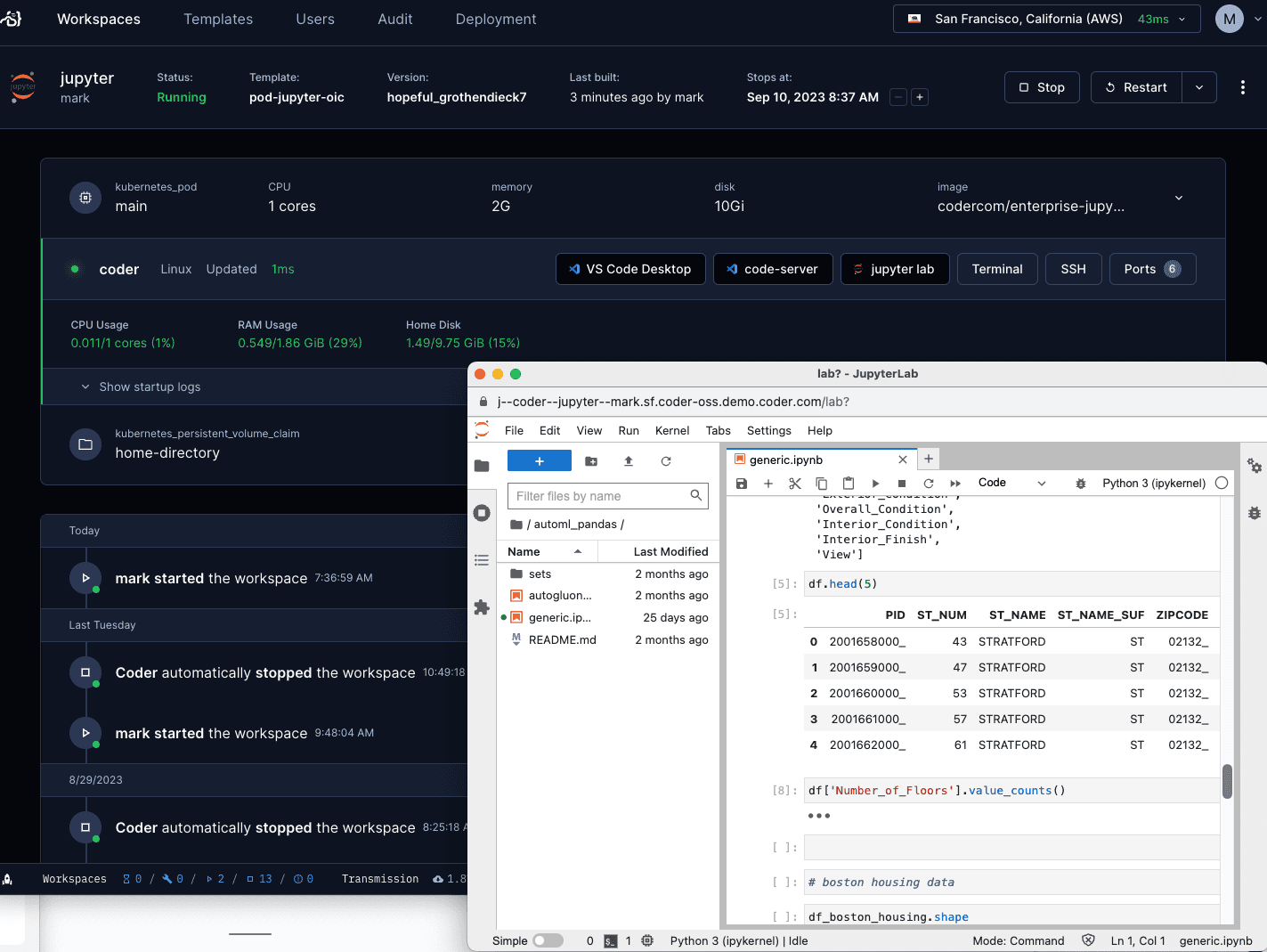
To use Jupyter Notebook in your workspace, you can install it by using the
Jupyter Notebook module
from the Coder registry:
If you cannot enable a
wildcard subdomain, you can
configure the template to run Jupyter on a path. There is however
security risk
running an app on a path and the template code is more complicated with coder
value substitution to recreate the path structure.
RStudio
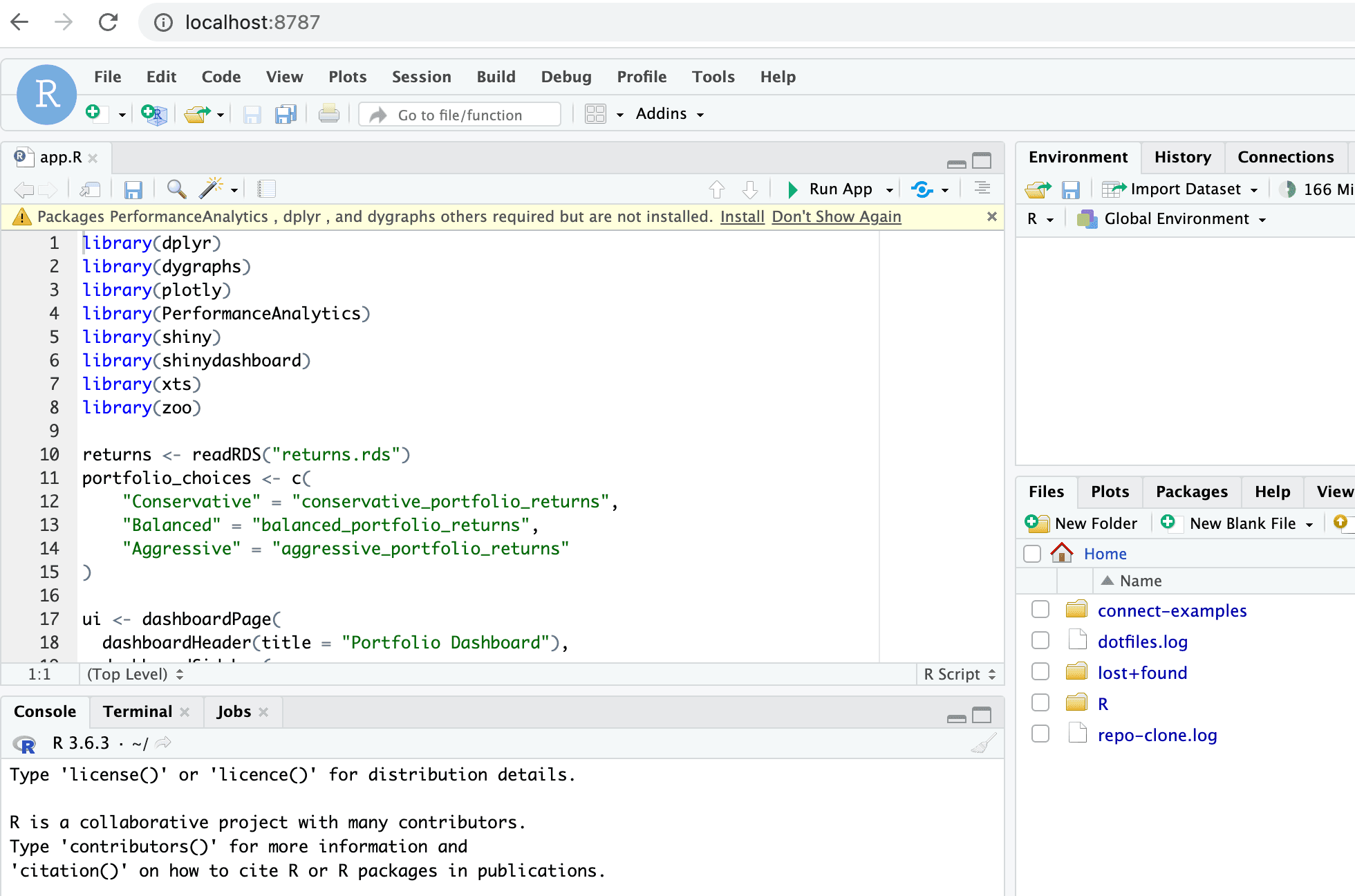
Configure your agent and coder_app like so to use RStudio. Notice the
subdomain=true configuration:
If you cannot enable a
wildcard subdomain,
you can configure the template to run RStudio on a path using an NGINX reverse
proxy in the template. There is however
security risk
running an app on a path and the template code is more complicated with coder
value substitution to recreate the path structure.
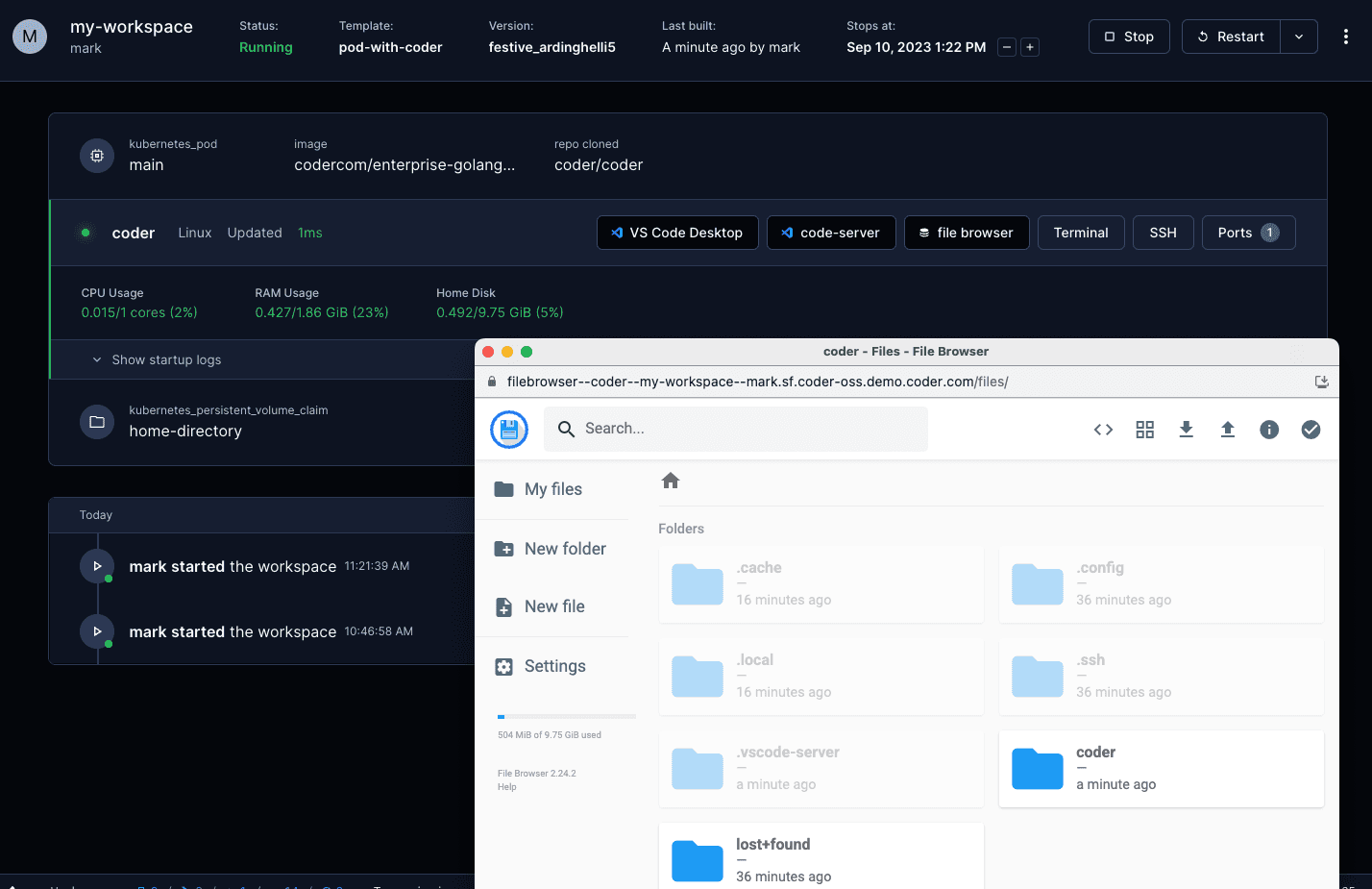
To access the contents of a workspace directory in a browser, you can use File
Browser. File Browser is a lightweight file manager that allows you to view and
manipulate files in a web browser.
Show and manipulate the contents of the /home/coder directory in a browser.
If you prefer to run web IDEs in localhost, you can port forward using
SSH or the Coder CLI
port-forward sub-command. Some web IDEs may not support URL base path
adjustment so port forwarding is the only approach.